
PlanSwift, STACK, Bluebeam, ProEst: how AI speeds up takeoff and sub quotes
Measuring a drawing is only part of a bid. An AI Employee can help with the reading and quote chasing that keep your estimator at their desk late.
6 minute read
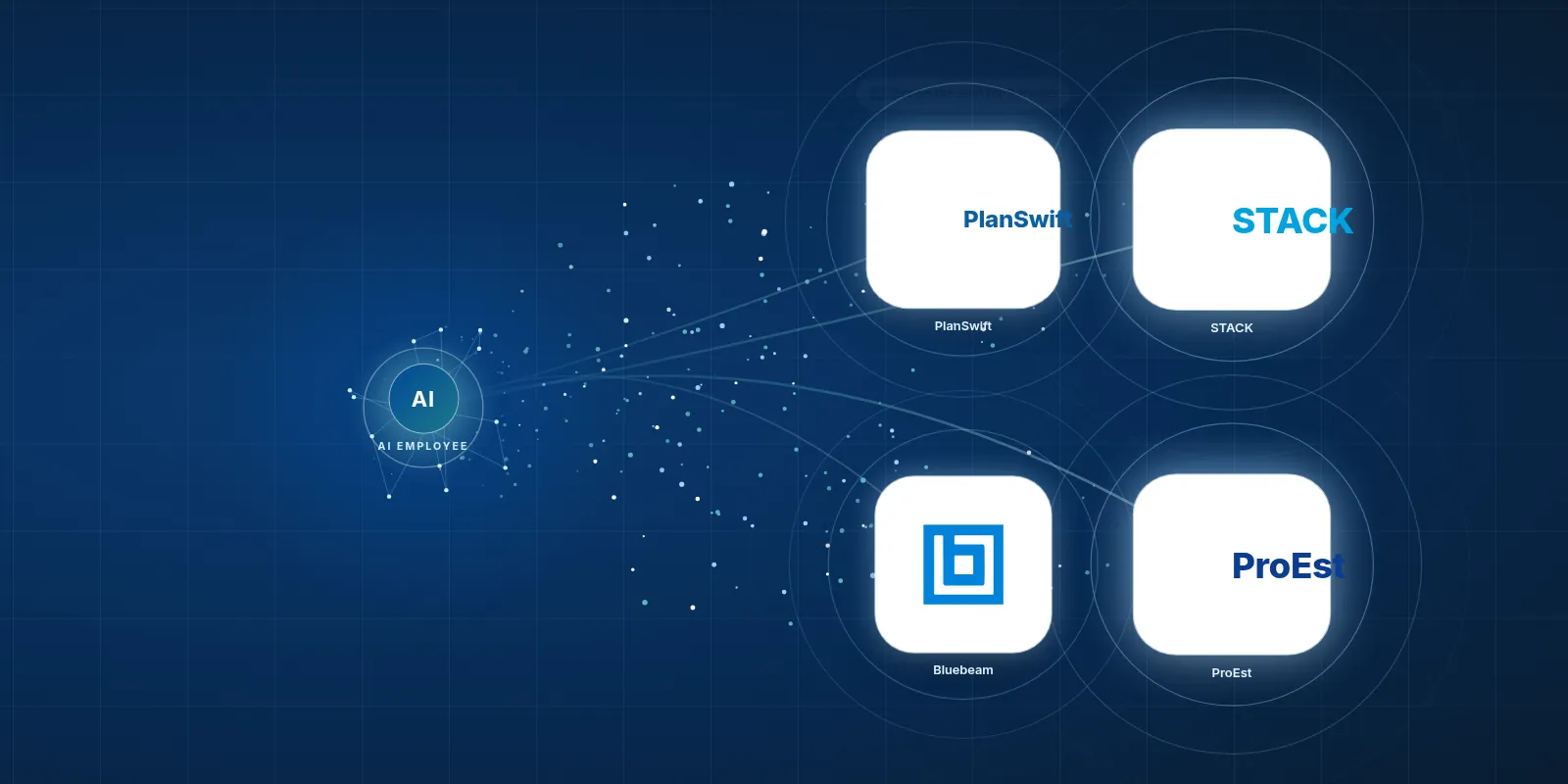
An AI Employee can work with PlanSwift through available exports or emails, set up for your company, to prepare scope lists and manage sub quotes. Your estimator can then focus on pricing, while checking the scope and any gaps before the bid goes out.
- Keep the estimating tool your team knows.
- Give the AI Employee the busywork around the bid.
- Check scope gaps before you trust a quote total.
- Test the connection with your own files.
What do these estimating tools actually do?
A takeoff means measuring and counting what a job needs from its drawings. These tools let you do that on screen instead of with a scale ruler. You click to count light fixtures or trace a floor, and the software adds up the totals.
PlanSwift helps you do those takeoffs from digital plans. STACK handles takeoffs too, and can turn the counts into a priced estimate. That gives your estimator a place to work from the drawing through to the cost.
Bluebeam is useful for marking up PDFs, with tools for measuring drawings and adding notes. ProEst brings takeoff and estimating work together to help build a priced bid. They're useful tools, but someone still has to work out what belongs in the price.
Which tool fits the work we bid?
Start with your jobs. A drywall sub who spends much of the week measuring walls has a different need from a general contractor who reviews marked drawings from several trades. Pick around that work.
PlanSwift and STACK fit subs who bid a lot of takeoffs. If your estimator is always counting fixtures or tracing floor areas, those are the kinds of tasks to look at during a trial. Use a real drawing your team knows.
Bluebeam fits teams that mark up and share PDFs, even when estimating isn't their main job. ProEst fits growing general contractors already using Autodesk. Your office manager should take part in the choice too, because they'll deal with the files and requests that surround each bid.
How widely are these tools used?
The PlanSwift homepage says it is trusted by 43,000 users across every trade. The Bluebeam Company page says Bluebeam has over 4 million users at more than 350,000 companies. Those are vendor figures, rather than our own counts.
A STACK press release reported over 31 million plan pages uploaded and over 390,000 projects estimated in a year, as reported in March 2019. That's an older snapshot of activity. It isn't a current user count.
We don't have a matching ProEst use figure in the sources for this post. Popularity can help you build a shortlist, but it won't tell you which tool suits your bids. Your own files make a better test.

Your team keeps the tools it knows. The AI Employee takes the busywork around them.
What do people find slow or annoying?
Good tools still have rough spots. PlanSwift review coverage describes crashes and lock ups during takeoffs, plus complaints about the move to a yearly subscription. That can be frustrating when a bid deadline is close.
STACK reviewers on Capterra raise concerns about cancellation, refunds and strict subscription terms. Software Advice review coverage describes Bluebeam's interface as dated and hard to learn at first. Read the terms and let the person doing the work try the software.
SelectHub's comparison also flags a steep learning curve for ProEst and PlanSwift. These reports don't mean every user has the same trouble. An AI Employee won't fix a software crash, but it can help with the office work around the tool.
A faster takeoff still leaves you waiting for the sub who hasn't sent a price.
Where can an AI Employee help with a bid?
An estimate can take days, with much of that time spent reading specs and chasing sub quotes. When most bids are lost, that effort is hard to recover. The next tender still lands in your inbox.
 PlanSwift
An AI Employee can read drawings and specs, build a scope list for each trade, then send quote requests to the subs you choose. It can follow up and put their quotes side by side. This is called levelling quotes, so you can see where the included work differs.
The aim is to leave your estimator with the pricing work they were hired to do. They still review unclear scope and make the final call on cost. The AI Employee handles the chasing and sorting around them.
| Task | Doing it by hand in the tool | The tool plus an AI Employee |
|---|---|---|
| Build trade scopes | Read specs and type a scope list. | Prepare a draft scope list for review. |
| Request sub quotes | Copy scope details into emails. | Send requests using the approved scope. |
| Chase missing quotes | Check your inbox and send reminders. | Track replies and follow up on missing prices. |
| Compare quotes | Copy amounts and exclusions into a sheet. | Line up quotes and flag missing work. |
| Set the bid price | Choose costs and review the total. | Review the prepared details and set the price. |
Your estimator should spend their time judging the price, with the paperwork ready beside them.
How would we connect it to our current tool?
An AI Employee can work with these tools through an available API, exports or emails, set up for each company. An API is a way for software to pass data between systems. The route depends on what your account can access.
Bluebeam offers Studio API access after review, according to its integration docs. Autodesk has APIs too, but we'd need to confirm what ProEst data they expose. We found no public API docs for PlanSwift or STACK in the research supplied for this post.
- Pick a past bid your estimator knows well. Gather the drawings and specs, along with the quotes that came back.
- Check what your tool can share. Test a useful export or email before assuming a direct connection is available.
- Have the AI Employee draft the scope for each trade. Ask your estimator to check missing work and unclear notes against the source files.
- Set the rules for quote requests. Choose the subs, agree on the wording and decide when a person must approve a message.
- Test the follow up and quote comparison. Make sure exclusions stay visible, so a low total doesn't hide missing work.
- Review the result with your estimator. Expand the setup once the files and handoffs work well enough for your team.
What should we try first?
Choose the part of the bid that causes the most back and forth. You don't need to change your whole office to see if the help is useful. Try a free construction tool to start with a task you already know.
We haven't built these connections for clients yet, and we're not an official partner of these vendors. Any setup would need testing with your files and account access. We can't promise what it will save before we do that work.
- See estimating help for builders to talk through your bid process.
- Explore our free tools for construction companies.
Start with scope
Choose this when Specs take too long to read.
Try a draft trade scope with links back to the source pages. Your estimator checks the details before anyone requests a price.
Start with chasing
Choose this when Sub quotes keep arriving late.
Try quote requests and reminders built around an approved scope. Your team chooses who gets contacted and when a person steps in.
Start with comparison
Choose this when Quotes cover different work.
Try a side by side view of prices and exclusions. Your estimator can spot the questions to ask before choosing a number.
Keep the tool your team knows, and give them help with the work around it.
Questions owners ask
Is AI in PlanSwift a built in PlanSwift feature?
In this post, AI in PlanSwift means an AI Employee set up to work with the files and tasks around PlanSwift. We're describing a possible company setup, rather than claiming a built in feature. We haven't built this connection for clients yet, and we're not an official vendor partner.
Do we have to switch estimating software?
You can start by looking at what your current tool can share through exports or emails. If those files contain the details needed for the task, an AI Employee can work from them. We'd test that with your own bid files before deciding how the setup should work.
Can an AI Employee do the whole estimate?
We'd use it to prepare scope lists and manage sub quotes so your estimator can focus on pricing. Your estimator still checks the work and owns the final bid. AI will not walk your site for you or know that access is tight unless someone gives it that detail.
Will it send emails to subs without our say?
The setup should follow rules you agree to. You can require approval before quote requests go out, then allow routine reminders within set limits. Your team chooses the contacts and timing. A reply that changes the scope or needs a judgement call should come back to a person.
How do we know if the setup is worth it?
Use a past bid and check the result against the work your team already did. Look at missed scope and the time spent fixing drafts. Then test a live task with review in place. It needs to reduce the busywork without adding a pile of checking.