
Construction cost control: where your margin leaks, and how AI helps catch it
Most jobs don't lose money in one big mistake. They lose it in receipts that show up late, extras nobody billed and a cost report someone looks at a month too late.
6 minute read

Construction cost control means knowing what a job has cost so far and what it will cost to finish, early enough to act. AI can help by getting receipts and change orders into your records the same week, and flagging jobs that drift from budget. Your PM and bookkeeper still make the calls.
- Margin usually leaks through small gaps, not one big loss.
- A cost you can't see yet can still hurt the job.
- Change orders agreed on site need to reach the office fast.
- Budget vs actual helps most when you check it weekly.
- AI does the chasing and matching. Your team decides.
Where does the margin actually go?
Ask an owner why a job made less than planned and you often get a shrug. The bid looked fine. The crew worked hard. Then the final numbers came in and the profit was half of what you priced.
When you dig in, the money tends to go in the same few places. A receipt sat in a truck for six weeks. A client asked for an extra outlet and nobody wrote it up. A sub's invoice came in higher than their quote. Nobody compared the budget to what was spent until the job was done.
Rework is part of it too. A study of 359 projects in the Construction Industry Institute database found that direct rework costs often reach about 5% of total construction cost. A survey of nearly 600 construction leaders by FMI and PlanGrid found that 48% of rework in the US came from poor project data and miscommunication.
You can't fix a cost you don't know about yet.
Why do late receipts hurt so much?
A receipt that hasn't reached the books makes the job look better than it is. Say your plumber buys $1,800 of fittings on a Tuesday. If that slip lives in his truck until the end of the month, your cost report shows $1,800 of profit that isn't real.
Job costingMultiply that by a few trades and a few jobs. Now you're making decisions on numbers that are two to four weeks old. You might take on extra work or hold your price on a change because the job looks healthy.
AI can help here in a simple way. The crew snaps a photo of the receipt and sends it in a chat. An AI Employee reads the vendor, the amount and the job, then gets it ready for your bookkeeper. If the job name is missing, it asks the person who sent it.
- Receipts reach the office the same day, not at month end.
- Each cost gets a job and a cost code before it's posted.
- Unclear receipts go back to the sender with one short question.
- Your bookkeeper reviews the batch and posts what's right.
How do change orders and extras slip through?
This is the leak that hurts the most. A homeowner walks the site and asks for pot lights in the hallway. Your lead says sure. The crew does the work. Three weeks later, nobody remembers to bill it, or the price gets argued because nothing was signed.
Most of these requests come in by text, a phone call or a chat on site. Your office only knows about them if someone tells them. On a busy week, nobody does.
An AI Employee can watch for the signs of a change in the messages your team already sends. When a lead texts "client wants 4 more pot lights in the hall," it can start a draft change order with the job, the scope and a price line for your PM to fill in. It flags any change that has no signed approval yet.
In Ontario, the Construction Act sets prompt payment rules. An owner generally has 28 days to pay a proper invoice. That clock only starts once you send the invoice, so extras that sit unbilled are money you wait longer for.
| Leak | What it looks like | How AI can help | Who decides |
|---|---|---|---|
| Late receipts | Costs show up weeks after the money is spent. | Reads receipt photos from chat and tags the job. | Bookkeeper posts them. |
| Change order on a text | Extra work agreed on site, with no paperwork. | Spots the request and starts a draft change order. | PM prices it and gets it signed. |
| Extras not billed | Approved work that never makes it onto an invoice. | Matches signed changes against what you've invoiced. | Office manager sends the bill. |
| Sub invoice over quote | A bill comes in higher than the agreed price. | Compares the invoice to the quote and flags the gap. | PM approves or pushes back. |
| Budget checked too late | You learn a job went over when it's finished. | Sends a weekly budget vs actual note for each job. | Owner and PM act on it. |
Why does budget vs actual come too late?
Most small contractors know they should compare budget to actual on every job. Fewer do it every week. It takes time to pull the numbers, and the numbers are often missing a few receipts anyway.
So the check happens at the end, when it can only tell you what went wrong. A weekly check while the job is running tells you which cost line is creeping up while there's still time to talk to the client or change the plan.
- 01Cost to date
- What the job has cost so far, from posted bills, receipts and labour. It's only as good as the costs that have reached the books.
- 02Committed cost
- Money you've agreed to spend but haven't been billed for yet, like a signed sub contract or a purchase order.
- 03Cost to finish
- Your PM's best guess at what's left. AI can draft it from the budget, but the PM knows the site and sets the number.
An AI Employee can put that note together every Friday. It pulls costs from your books, compares them to your estimate by cost code and lists the lines that are over. It also lists what it knows is missing, like a sub who hasn't billed yet, so a gap doesn't pass for profit.
A cost report you read on Friday is worth more than a perfect one you read at closeout.
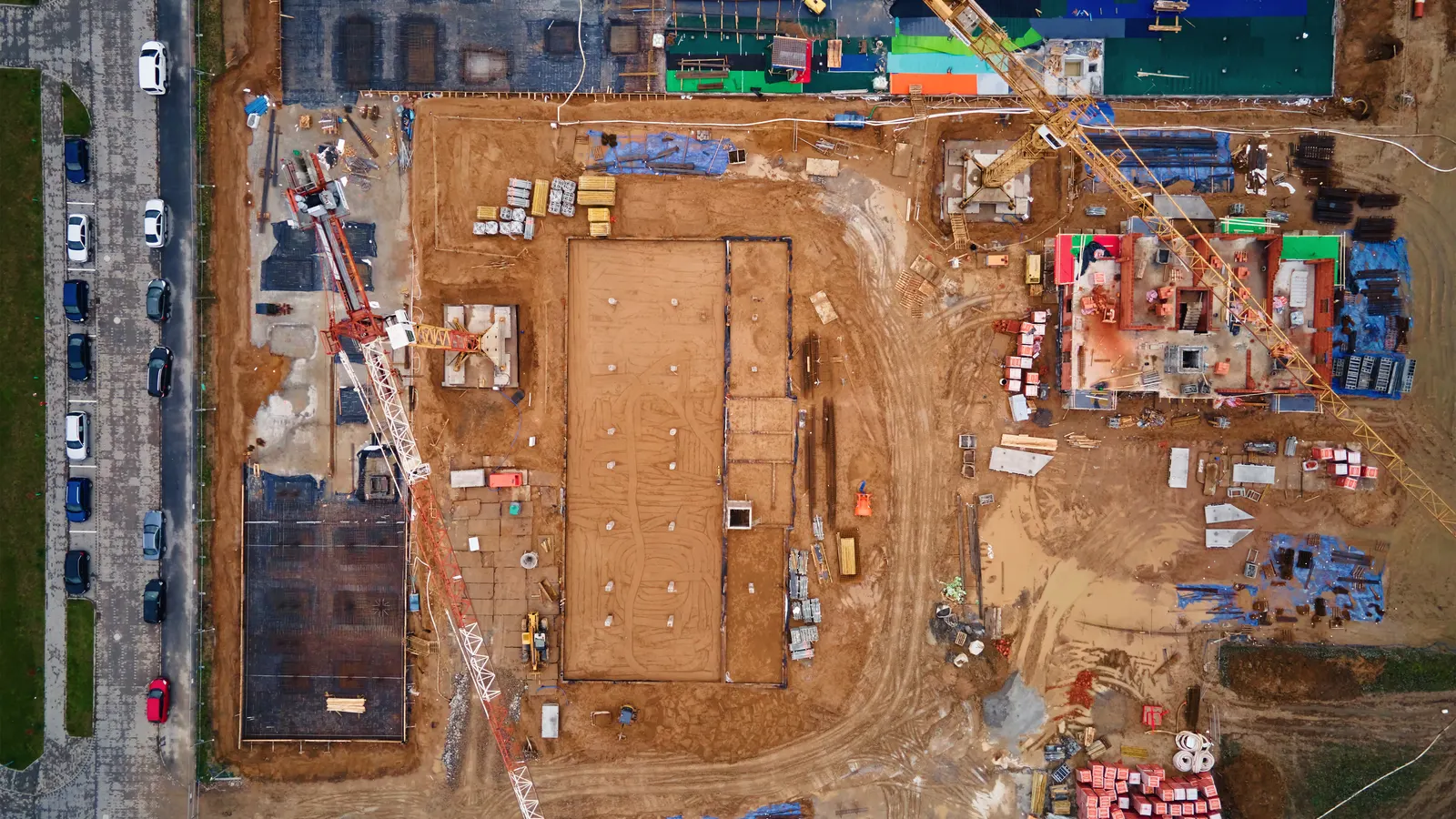
Check the job while you can still change it.
What should AI not do in cost control?
AI should not approve a change order or set a price. It doesn't know that the client is a repeat customer you want to treat well, or that the extra work was really your crew's fault. Those calls need a person.
It also shouldn't post costs to your books without checks at the start. Begin with drafts your bookkeeper reviews. Once the matching is right week after week, you can decide what it may handle on its own.
Think of it as the person who chases the paperwork. Your PM, your bookkeeper and you still own the job and the money.
- AI gathers receipts, change requests and invoices.
- AI matches them to jobs and flags what's missing.
- Your team prices changes, approves costs and talks to clients.
How do we start in a week?
Pick one leak, one or two jobs and one person who checks the work. Don't try to fix every cost problem at once. A small test tells you more than a big plan.
- Pick the leak. Ask your bookkeeper where costs show up late or go missing most often.
- Pick the jobs. Choose one or two running jobs with an estimate broken down by cost code.
- Set the rules. Agree on job names, cost codes and what needs a person's sign off.
- Run it for a week. Have the AI Employee prepare drafts while your bookkeeper checks every one.
- Look at what it caught. Count the receipts, changes and gaps it found that you would have missed.
Which leak should we fix first?
Start with the one that costs you real money. For many small contractors, that's unbilled extras. For others, it's receipts that live in trucks. Your bookkeeper usually knows.
If you'd like to see how your past jobs did against their budgets first, try the free past job cost tracker. It works out cost per square foot by job type from your own numbers.
When you're ready to stop chasing paper, see how the AI Employee tracks job costs. We'll walk through where your costs go missing and what it would take off your team's desk.
Start with receipts
Choose this when Your job reports are always a few weeks behind.
Have the crew send receipt photos in chat. The AI Employee tags the job, and your bookkeeper posts the batch each day.
Start with change orders
Choose this when Extra work gets done on a handshake and billed late, or not at all.
Let the AI Employee turn site texts into draft change orders. Your PM prices them and gets the client to sign before the work starts.
Start with the weekly report
Choose this when Costs are in the books, but nobody compares them to the budget until closeout.
Get a Friday note for each job that lists the cost lines running over and the costs still missing.
Fix the leak your bookkeeper complains about most.
Questions owners ask
What is cost control in construction?
It's keeping track of what a job costs while it's running, so you can act before it goes over. You compare your estimate to what you've spent and what you've committed. Then you look at what's left to finish. The point is to catch problems while you can still change the plan or bill the client.
Can AI find change orders we forgot to bill?
It can help. If your change orders and invoices live in your email or books, an AI Employee can match them and list approved changes with no invoice yet. It can also spot change requests in site texts. It can't find a change nobody wrote down or said out loud, so your leads still need to send it in.
Do we need new job costing software?
Not to start. Many small contractors use QuickBooks Online and Excel for job costs. An AI Employee can work with those tools, so your bookkeeper keeps the system they know. If you need detailed reports your books can't produce, look at that gap on its own.
Will this replace our bookkeeper?
No. The idea is to take the chasing off their plate. They still review costs, post entries and handle the tricky ones. Most bookkeepers would rather check a clean batch of receipts than spend Monday morning texting the crew for them.
How often should we check budget vs actual?
Weekly works well for most jobs. Monthly is often too late on a job that only runs a few months. A short Friday note per job, with the lines running over and the costs still missing, is enough to start a useful talk with your PM.