
FreeCAD: the free CAD tool, and how AI turns markups into drawing edits
FreeCAD gives a small shop a way to draw without paying for CAD seats. An AI Employee could take on repeat drawing tasks once the connection is set up for your company.
6 minute read

AI in FreeCAD can help with repeat drawing work by using FreeCAD’s Python tools to resize details and prepare files for review. The connection needs to be set up and tested for your shop, and your team still checks the drawings before anyone builds from them.
- FreeCAD is free, but learning it takes time.
- It suits shops that need custom parts or basic building models.
- An AI Employee can handle repeat tasks through its Python tools.
- Your team keeps control of drawing checks and release.
- VeebarTech has not built this connection for clients yet.
What does FreeCAD actually do?
FreeCAD is a free design program that lets you draw solid parts and buildings on screen. Think of a steel bracket with holes for bolts, or a building model you can view from different sides. You can see how the shape fits together before you make it.
Its models are parametric. That means sizes and rules control the shape, so you can change a width later instead of drawing the whole part again. Say a bracket needs a longer plate while the bolt holes stay the same size.
The FreeCAD blog describes the built in BIM workbench included with FreeCAD 1.0. BIM means building information modelling, which lets you work with building parts as part of a model. It gives you a place to work on a building design, but it does not check every site condition for you.
- Draw a part with sizes you can change later.
- Build a model to help explain a detail.
- Use the BIM workbench for building models.
Who is FreeCAD a good fit for?
FreeCAD makes sense for budget minded contractors, fabricators and makers who have time to learn it. You might need a shop drawing now and then, or a custom bracket for a job. Paying for CAD seats can be hard to justify when drawing is only a small part of your week.
FreeCAD’s features page describes it as free and open source under the LGPL licence. Donations are optional. That removes the software bill, but you still need to allow for learning and checking the work.
We’d look closely at what your shop draws before suggesting it. A shop that keeps changing a familiar detail has a different need from a team working on large, complex models all day. The free price matters less if the tool does not suit the job.
- Worth a look when you draw occasional parts or simple details.
- A possible fit when you reuse shapes with new sizes.
- Needs a trial when jobs involve large files or strict drawing handoff rules.
How popular is FreeCAD?
GitHub FreeCAD/FreeCAD lists about 35,000 stars and 6,300 forks as of November 2026. Stars show interest in the project, while forks are copies of its code that people can work on. Neither is a count of construction firms using it.
The GitHub Releases API reports about 1.7 million downloads of the FreeCAD 1.1.3 install files from GitHub alone as of November 2026. Downloads are not the same as active users. Someone can download an install file again or try it without keeping it.
The FreeCAD blog says FreeCAD 1.0, its first official stable release, arrived after more than twenty years of development. That shows a long history behind the tool. It does not tell us how well it will handle your next shop drawing.
| Signal | What it means for an owner |
|---|---|
| GitHub stars and forks | There is interest in the software and its code. |
| Install file downloads | People are downloading it, but this does not count active shops. |
| Long development history | The project has been around for a long time. Your own trial still matters. |
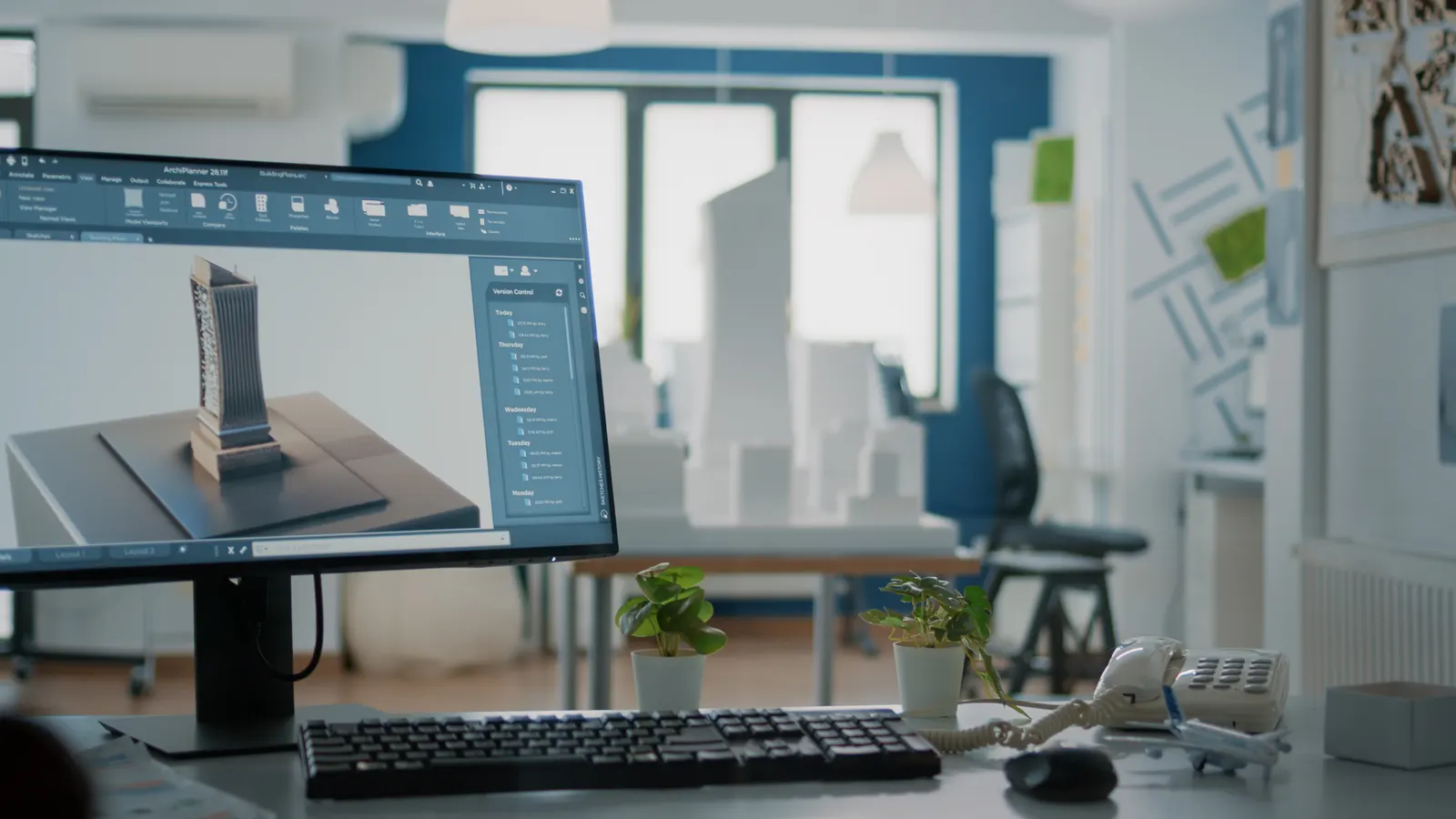
Your team keeps the tools it knows. The AI Employee takes the busywork around them.
What can make FreeCAD slow or frustrating?
FreeCAD asks you to learn how its tools fit together. In the supplied GitHub discussion, a maintainer says some tool and workbench names are confusing because they use unusual terms. When you’re trying to finish a drawing before heading to site, that can mean more time hunting through menus.
Users in the supplied Hacker News thread report models breaking after an earlier step changes. This is called the topological naming problem. A later feature can lose its link to the face or edge it depended on.
That thread also includes reports of a laggy sketcher and trouble with large machine STEP files. These are user reports, so they do not tell us how every file will behave. Try a real job file before you depend on the tool.
- Check later features after changing an earlier part of a model.
- Test large files before making them part of your normal process.
- Allow time to learn the tools your shop actually needs.
Free software still costs time when you have to learn it between jobs.
How could an AI Employee help with FreeCAD?
The useful AI in FreeCAD connection is about repeat work. Paid CAD seats can be costly for a shop that draws occasional details, while FreeCAD takes time to learn. An AI Employee can use its Python tools to carry out agreed steps on suitable files.
 FreeCAD
’s developer information describes a full Python API, with a console and support for macros and custom tools. That gives us a way to set up repeat drawing tasks. We would need to test each task on your files before putting it into regular use.
- Keep a person responsible for drawing approval.
- Start with a task that follows clear rules.
- Try a free construction tool to explore where office help could fit.
| Real task | By hand in FreeCAD | FreeCAD plus an AI Employee |
|---|---|---|
| Resize a familiar bracket | Open the model, change sizes and check the result. | Apply approved sizes to a prepared model and flag it for review. |
| Update a shop drawing | Read the markup and enter the changes. | Apply clear, agreed changes and ask about unclear notes. |
| Prepare parts lists and PDFs | Export the needed files and check their contents. | Run tested exports and gather the files for your team to check. |
| Name and file job documents | Rename files and place them in the job folder. | Use your job naming rules and save files in the agreed place. |
Your team knows the job. The AI Employee can take on the repeat clicks.
How would we set up the connection for your shop?
We have not built this FreeCAD connection for clients yet, and we are not an official FreeCAD partner. This is a connection we can set up for each company through FreeCAD’s Python API. The scope would depend on your models and the work you want done.
We’d begin with a repeat task that you already understand. A familiar bracket with clear size rules is a better starting point than a folder full of mixed drawings. It gives your team a clear way to judge the output.
- Pick a real task your team repeats, such as changing a standard detail to match a new job.
- Choose the approved starting model and write down which sizes may change.
- Agree on the input format, including how markups should identify the part and the change.
- Set up the Python steps, file naming rules and required exports.
- Run a sample and have your team compare it with the work they would approve by hand.
- Add a review step before drawings or parts lists are released for use.
Should you try AI in FreeCAD for your business?
Start with the drawing work sitting on your desk. If much of it involves changing a known detail and saving the same files again, there may be a useful task for an AI Employee. If every job needs fresh design judgement, keep that judgement with the people who know the work.
AI will not walk your site for you. It also will not settle an unclear markup by knowing what the foreman meant. We’d set it up to ask when the input is unclear, with your team checking the result.
- See AI for design handoffs to talk through a task from your shop.
- Browse our free tools for construction companies.
Try FreeCAD first
Choose this when You need occasional drawings and have time to learn.
Use a real job detail to see if the tool suits your work before adding a connection.
Explore an AI Employee
Choose this when Your team keeps repeating the same clear drawing steps.
Bring a sample model and an approved result so we can assess a useful starting task.
Test the hard parts
Choose this when You work with large models or frequent design changes.
Check file handling and model behaviour before relying on a repeat process.
Questions owners ask
Is FreeCAD really free?
Yes. FreeCAD’s features page describes the program as free and open source under the LGPL licence, with optional donations. Your shop still needs time to learn it and check drawings. Setting up an AI Employee connection is separate work, so the free software price does not describe the full setup cost.
Does FreeCAD come with an AI Employee?
The connection described here would be set up for your company using FreeCAD’s Python tools. We have not built it for clients yet. We would first agree on a task and test it with your files, so you could review what it does before using it in your normal work.
Can an AI Employee update drawings from markups?
It can be set up to apply clear changes from markups to suitable FreeCAD files. The notes need to identify what changes and which drawing they belong to. If a note is unclear or conflicts with another size, the process should stop for your team to resolve it.
Will AI fix models that break after a change?
We would not promise that. An AI Employee can be set up to check for known errors and flag a failed step, but that does not mean it can repair every model. Your team still needs to inspect the shape and confirm that the drawing matches the job.
Can FreeCAD work with building model files?
FreeCAD’s developer information says its BIM workbench can read and write IFC files, a format used to share building models. That gives you a possible way to exchange model data. Test the actual files you receive and send, because support for a format does not guarantee every handoff will meet your needs.