
Revit: what it does, and how AI takes the counting and checking off your plate
Revit holds the whole building in one model. An AI Employee can help your team get answers out of it without opening it ten times a day.
4 minute read
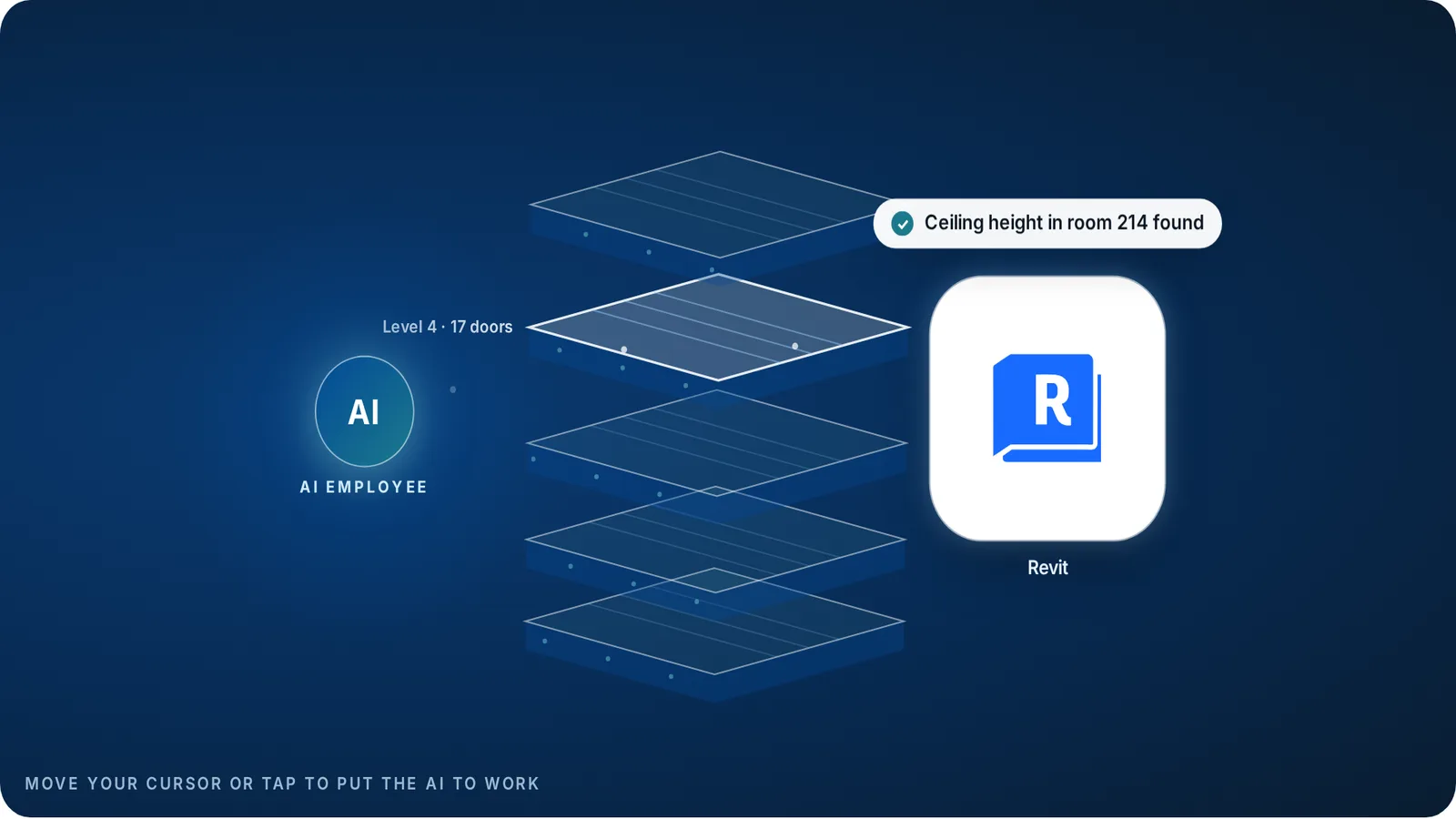
An AI Employee can work with Revit models and their exports to count items, list what changed between versions and answer questions with a sheet reference, once a connection is set up for your company. VeebarTech has not built this connection for clients yet and is not an official Autodesk partner.
- Revit is a building model, not just a set of drawings.
- The model is full of answers, but getting them out takes skill and time.
- An AI Employee can pull counts, change lists and answers from it for review.
- Your team still checks anything that goes into a price or goes to site.
What does Revit actually do?
Revit is Autodesk's software for building information modelling, often called BIM. Instead of drawing each plan by hand, the designer builds one model of the building. Plans, sections, elevations and schedules all come out of that same model.
Change a wall in the model and every sheet that shows that wall changes too. That is the big promise. The drawings stay in step with each other because they share one source.
Each part of the model carries data. A door knows its size, its fire rating and which room it sits in. That is why a Revit model can answer questions that a flat drawing cannot.
How widely is Revit used?
Autodesk does not publish a Revit user count. It does report revenue by product family. Its building and construction family, which includes Revit, brought in about $2.94 billion in the year to January 2025, up 14% on the year before.
Across all its products, Autodesk reported about 7.79 million subscriptions for the same year. That is a company total, not Revit seats, so treat it as a sense of scale only.
For a contractor the number that matters is closer to home. If your architects and engineers send Revit models, your team needs a way to read them, even if nobody in your office draws in Revit.
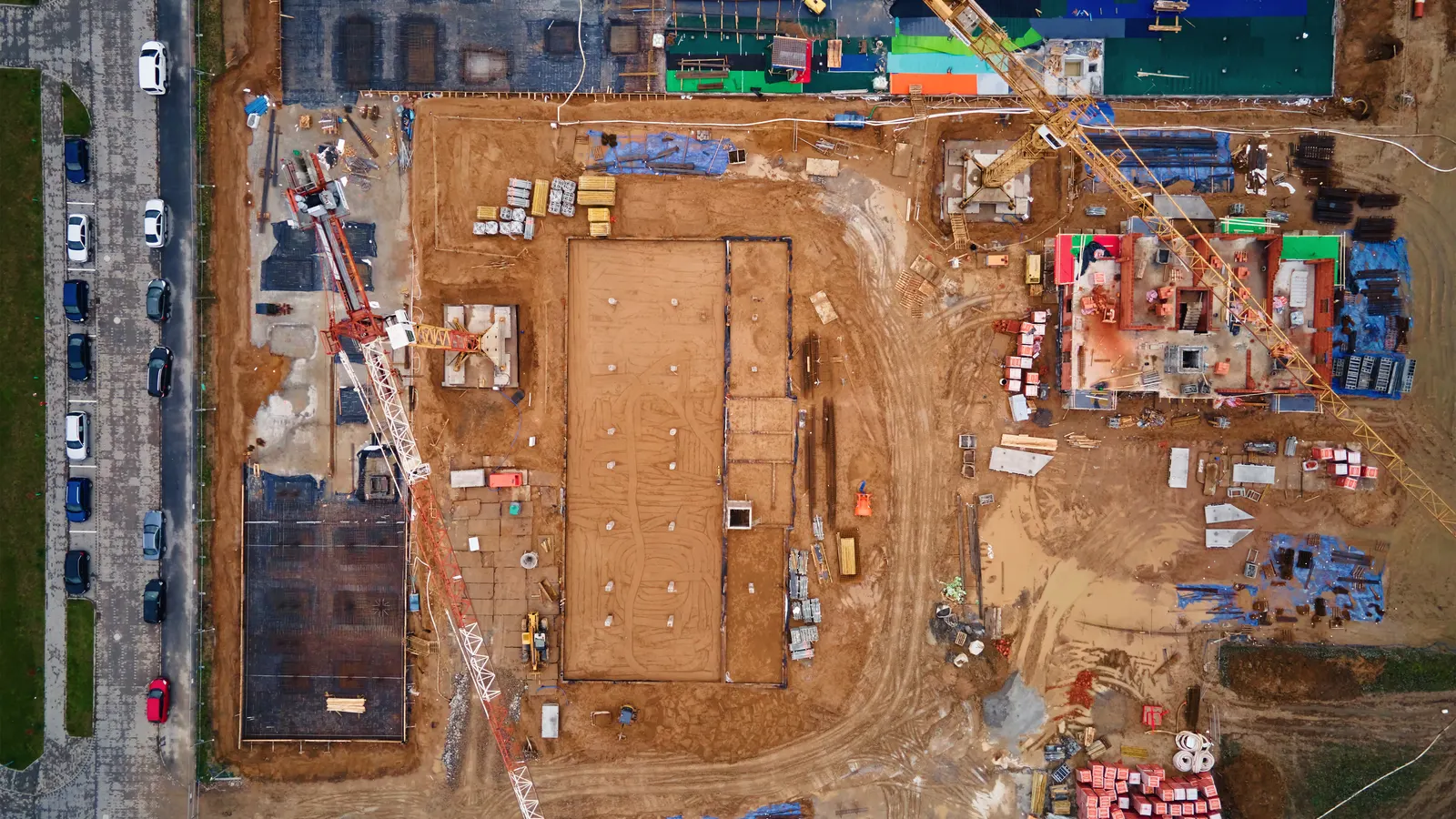
The model knows the answer. Someone still has to go and get it.
Where does Revit slow a team down?
Revit is powerful, and that power has a cost. Seats are expensive for a small firm, the learning curve is steep, and big models can get slow to open and save.
Most of the lost time sits around the model, not inside it. An estimator wants a door count, so someone with Revit skills stops what they are doing to run a schedule. A new version arrives and nobody is sure what changed. A sub asks a question and the answer is on sheet A-402, if you can find it.
None of those jobs need a designer. They need someone patient who can read the model and write down what they find.
Your Revit person should be designing, not running door counts for the estimator.
How can an AI Employee help with Revit?
An AI Employee can be set up to read the model or its exports and pull out what your team asks for. Counts of doors, fixtures or rooms come back with the level and sheet they came from, so a person can check them fast.
 Revit
When a new version lands, it can compare it with the last one and draft a list of what moved, what was added and what was removed. That list is a starting point for review, not the final word.
It can also answer the everyday questions. What is the ceiling height in room 214? Which doors are fire rated? The answer points back to the sheet so nobody has to take it on faith. You can try the free revision compare tool on two of your own sheets today.
| Job | Done by hand | With an AI Employee |
|---|---|---|
| Door and fixture counts | Someone with Revit skills builds a schedule and exports it. | A draft count arrives with level and sheet references to check. |
| New version arrives | Flip between versions and note what changed. | Review a drafted change list, then confirm each item. |
| Sub asks a question | Search the sheets and write a reply. | Approve a drafted reply that names the sheet it came from. |
| Takeoff update | Retype model data into the estimate. | Check extracted quantities before they go into the takeoff. |
How would we set it up?
Revit has a well documented way for developers to add their own tools, and models can also be exported to open formats. We pick the route that fits how your files arrive.
Start with one job your team repeats every week. A checked door count or a change list on one project is a better first test than every model on every job.
- Pick one repeat job, such as counting doors or listing changes between versions.
- Gather a past model and the answer your team already checked.
- Confirm how the model can be read, inside Revit or from an export.
- Set the rule that gaps get flagged, never guessed.
- Have the person who owns the job review the output before it is used.
Do we need more Revit seats?
Look at who builds the model and who only reads it. Designers need Revit. Estimators and project managers who mainly look things up may not need a seat if an AI Employee can answer their questions from the model.
For some drawing work, an AI Employee can also work in Bonsai, the free BIM tool, where the file format allows. We test that first, because a smaller licence bill only helps if the drawings still meet the job.
Your designers stay in charge of the model. The AI Employee does the looking up. See what it does for builders.
We get Revit models from others
Choose this when Architects and engineers send you models and sheets.
Start with counts and change lists. You may not need a seat at all.
We build in Revit
Choose this when Your own staff model the job.
Keep Revit and hand the look-up and checking jobs around it to the AI Employee.
We are weighing a switch
Choose this when Licence cost is the pain.
Test a free tool on one real job before you change anything.
Questions owners ask
Is this an official Autodesk Revit add-in?
No. VeebarTech is not an Autodesk partner, and we have not built this connection for clients yet. We scope a setup for your company using the access Revit allows or its exports.
Can AI count items in a Revit model correctly?
It can draft counts from the model data, and each count names the level and sheet so a person can check it. A badly modelled element can still be miscounted, which is why your team reviews it.
Does an AI Employee replace our BIM coordinator?
No. It takes the look-up and checking jobs that pull your coordinator away from design and coordination. Your coordinator still owns the model.
What do we need to start?
One past project model, the answer your team already checked for one job, and the person who owns that job. That is enough to test whether it saves real time.
Fix part of it today, free
Rather hand the whole job off? See what an AI Employee takes off a builder's plate.