
Housecall Pro: what it does, and how AI books the calls you miss
Housecall Pro helps keep your service jobs in order. An AI Employee can help with the calls and follow up that still need someone to act.
6 minute read
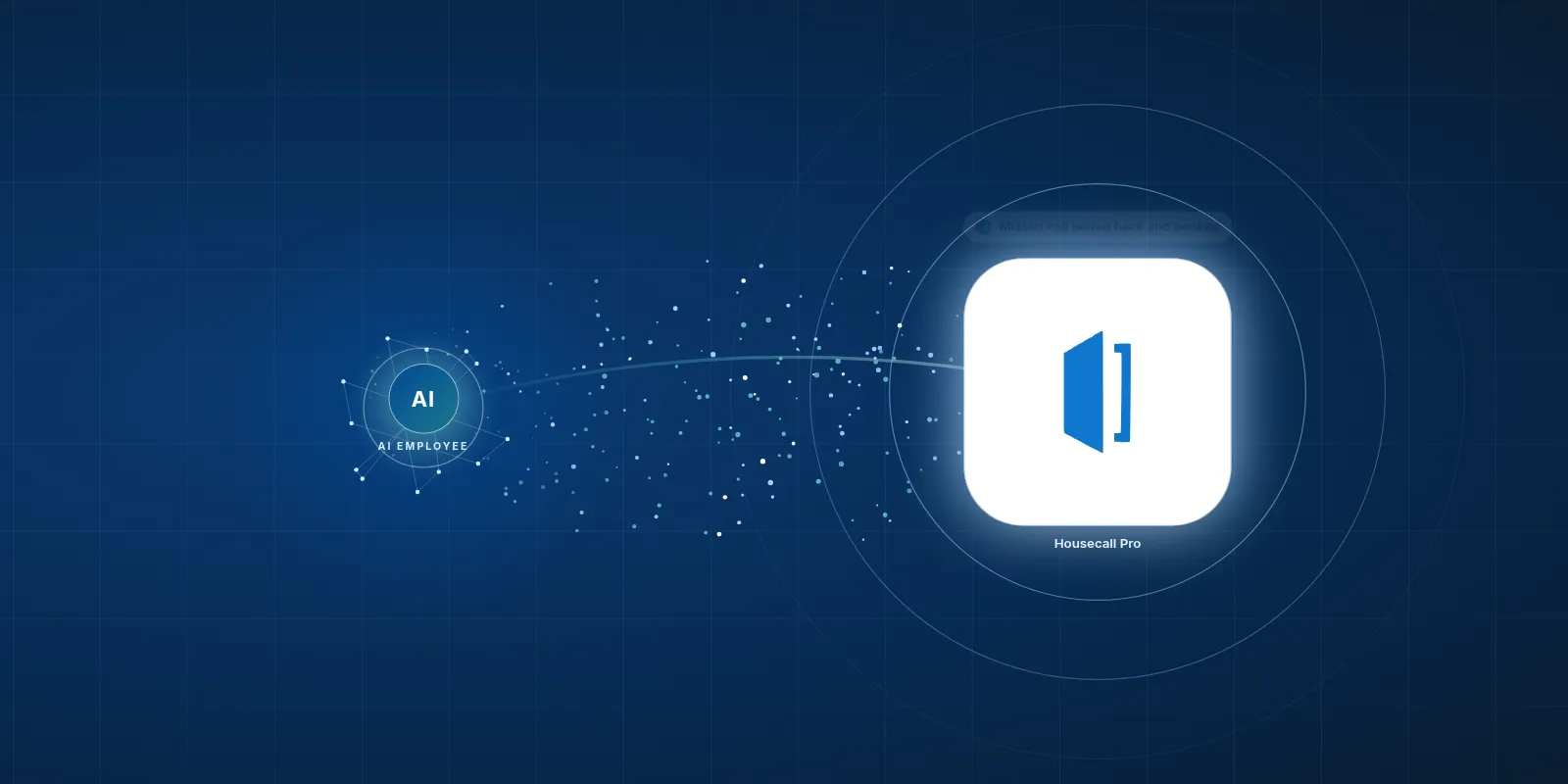
An AI Employee can work with Housecall Pro to reply to missed calls and help your team finish customer follow up. We would set up the connection for your company, with clear rules for bookings and messages.
- Housecall Pro puts booking, job details and payments in one app.
- It has its own marketing and AI tools, so start by checking what you already have.
- An AI Employee can help with missed calls, review requests and maintenance reminders.
- We have not built this connection for clients yet, and we are not an official Housecall Pro partner.
What does Housecall Pro actually do?
Housecall Pro is software for home service work, such as plumbing or electrical repairs. It handles scheduling and dispatch, along with estimates, invoices and payments. That gives your office a place to manage a job from the booking through to getting paid.
Think of a homeowner calling about a leaking tap. Your office needs to book the visit and send someone out with the job details. Once the work is done, the customer needs an invoice and a way to pay.
Housecall Pro brings those tasks into the same app. It also has marketing tools and AI tools that can answer calls and book jobs. Before adding anything, we would check which of those tools already cover the work you need done.
Who is Housecall Pro a good fit for?
Housecall Pro serves small residential trade businesses, including HVAC and cleaning companies. It suits an office that wants booking, dispatch and payments together. The daily work centres on getting someone to a home, doing the job and closing it out.
You might be the owner taking calls between visits. Or you might have an office manager keeping the schedule moving while the crew is out. In either case, the useful question is where your team still has to copy details or remember to send a message.
- Walk through a real service call from booking to payment.
- Ask your office which follow up tasks get pushed aside when the phone gets busy.
- Have a field worker show you what they need to do from their phone.
How popular is it, and what does it cost?
In its April 24, 2026 press release on GlobeNewswire, Housecall Pro says it helps more than 200,000 home service pros run their businesses. The same Housecall Pro press release says pros on its platform have served 1 in 4 American homes. Those figures describe pros and homes served, not a count of companies using it.
The pricing page cited in the brief lists Basic at $79 a month for one user, or $59 a month when billed yearly. That Housecall Pro pricing page lists Essentials at $189 a month for 5 users and Max at $329 a month for 8 users.
Treat those listed prices as a starting point when you compare plans. Check the current quote and what it includes before you buy. For an AI connection, access to the job data matters as much as the monthly fee.
What do people find slow or annoying?
Some users on Trustpilot say the value feels poor and support falls short. The SchedulingKit review summary flags rising costs as a business grows, along with limited reporting on lower plans. These are reported concerns, not what every customer will experience.
Capterra reviews report lag or bugs when managing lots of jobs. Software Advice reviews say the mobile app is more limited than the website. Ask your crew to try the tasks they do on a phone before you decide how well it fits.
Housecall Pro can be a good tool and still leave work for your office. An AI Employee cannot fix a slow screen or change what a plan includes. It can help with the messages your team has to send around the job.
- Try a free construction tool to explore a small task your office could use help with.
A missed call still needs an answer.

Your team keeps the tools it knows. The AI Employee takes the busywork around them.
How can an AI Employee help with missed calls?
You're helping a customer when another call comes in. By the time you call back, that homeowner may have tried someone else. With the right setup, an AI Employee can send an instant text after a missed call and help the customer book.
We would first check how a missed call reaches the AI Employee and what booking details it can access. It can ask what work is needed and use your booking rules. If it cannot confirm an open slot, it should pass the request to your office.
| Task | Doing it by hand in Housecall Pro | Housecall Pro plus an AI Employee |
|---|---|---|
| Follow up on a missed call | Your office returns the call and enters the booking. | Can send a text and help book within your rules. |
| Send the finished job invoice | Your office checks the details and sends it. | Can send an approved invoice when the job meets your completion rules. |
| Ask for a review | Someone remembers to send the request. | Can send the request after the job is finished. |
| Remind a past customer | Your office finds the customer and writes a message. | Can send a reminder based on your maintenance schedule. |
What happens after the crew finishes a job?
The crew packs up, but the office work carries on. The invoice may still need a check before it goes out. A review request can wait so long that everyone forgets it.
 Housecall Pro
We can set up an AI Employee to send the invoice and review request when a finished job meets your rules. If the price needs approval or the job is still open, it should flag that for your team. You decide what counts as ready to send.
Past customers need attention too. An AI Employee can send maintenance reminders to customers who want them, based on the service dates and timing your team provides. It should bring replies back to someone who can help, so a customer's question does not sit unanswered.
Your team should not have to remember every reminder.
How would we connect it to your business?
An AI Employee can work with Housecall Pro through its API, its exports or the emails it sends, set up for each company. Housecall Pro's developer docs say the public API and webhooks are limited to the MAX plan. An API lets software exchange data, while a webhook signals that something changed.
We have not built this Housecall Pro connection for clients yet, and we are not an official Housecall Pro partner. We would check what your account can share before promising a workflow. An export may help with a reminder list, but it cannot by itself provide an instant missed call reply.
- Pick a task that gets missed often. Start with a clear problem, such as calls that arrive while your office is busy.
- Check your plan and available data. Confirm how the AI Employee would learn about a missed call or a completed job.
- Write the rules together. Set booking limits and decide which messages or invoices need a person to approve them.
- Test real situations with sample records. Include an unavailable booking slot and a job that still needs a price check.
- Review the results with your office. Confirm that messages reach the right customer and that replies reach your team.
Should we use built in tools or add an AI Employee?
Start with the work you need done. If Housecall Pro already handles it well, use that feature. Adding another tool should save your team a real task, not give them another screen to check.
Your office manager knows where work gets stuck. Bring them into the choice and use their daily routine as the test. The aim is to give the same team more room to do the work you hired them for.
- See quote follow up done for you with VeebarTech to talk through where your office needs help.
- Explore our Free tools for construction companies for a smaller place to start.
Use what you have
Choose this when Housecall Pro already covers the task.
Check its own marketing and AI tools first. A feature you already have may cover the gap.
Add an AI Employee
Choose this when Follow up keeps slipping between tasks.
Explore a connection for missed call replies or customer reminders, with clear rules and a person handling exceptions.
Fix the process first
Choose this when Job records are unclear or incomplete.
Agree on who marks work finished and checks prices. The AI Employee needs a clear signal before it acts.
Questions owners ask
Does Housecall Pro already have AI tools?
Yes. Housecall Pro has AI tools that can answer calls and book jobs, along with marketing tools. We would check those first. An added AI Employee makes sense when there is a clear task left over, such as follow up that your current setup does not handle.
Do we need the MAX plan for a connection?
Housecall Pro's developer docs say its public API and webhooks are limited to MAX customers. Other work may be possible through exports or emails, depending on the task. We would check what your account provides and explain what that allows before suggesting a plan change.
Will the AI Employee replace our office staff?
The aim is to take busywork off your team's plate. Your office still handles tricky customer calls and makes decisions when a job changes. An AI Employee can help with routine replies and reminders, so the same people have more time for work that needs their care and judgement.
Can an AI Employee book every missed call?
No. A missed call might be about work you do not offer, or a customer may need a time you cannot provide. An AI Employee can reply and help book when the request fits your rules. Anything unclear should go to your office instead of turning into a promise you cannot keep.
Has VeebarTech built this Housecall Pro connection yet?
No. We have not built this connection for clients yet, and we are not an official Housecall Pro partner. The workflows here describe what an AI Employee can help with through a setup built for your company. We would confirm access and test the chosen task before putting it into use.