
The next great app won't be an app
We do our best work by talking. Our software still makes us click. That is about to flip, and the apps that win will be the ones you never have to open.
7 minute read
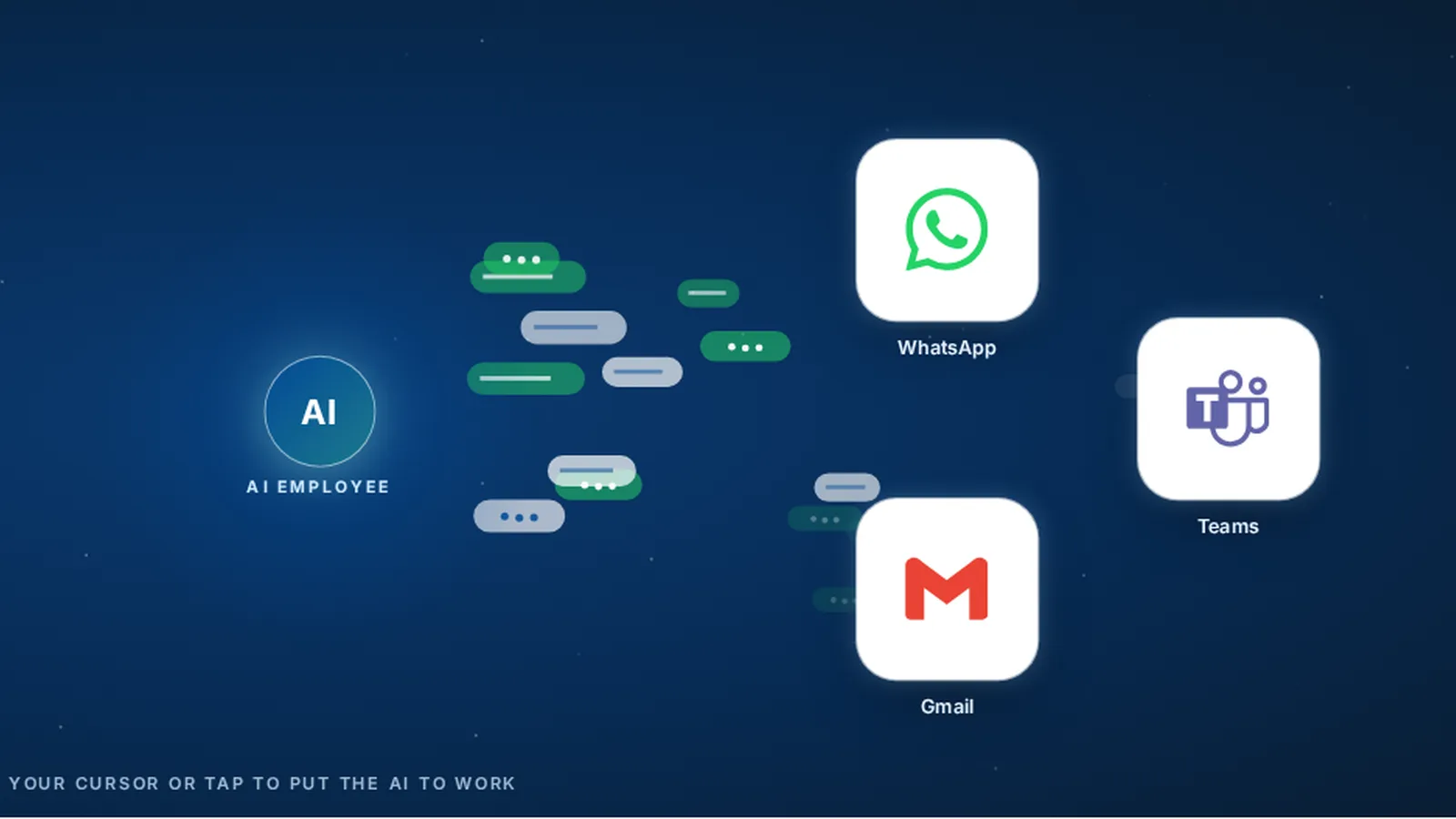
The next great business app will not be another dashboard. It will be a teammate you message in the chat you already use, one that does the work inside your existing tools and builds small tools that fit your company when you need them.
- People hand off work by talking. Software makes us click through menus instead.
- Work is moving into chat, with an app or web page kept as the backup.
- Pendo found 80% of features in the average software product are rarely or never used.
- Most apps are built for what most customers want, not for what your company needs.
- The next tools are tailored to you and kept up by an AI Employee, while your team stays in charge.
Why do we still click buttons to get work done?
Think about how work really moves in your company. You ask someone to check on an order. They reply with a question. You answer, and the job gets done. Nobody opens a menu to talk to a coworker.
Software never worked that way. To get the same thing done, you log in, find the right screen, fill in the right fields and hope you clicked the right button. We learned to talk to computers in their language because they could not learn ours.
That is also why chat is easier to adopt. Everyone on your team already knows how to send a message. There is no new screen to learn, no menu to memorise and no week of training before someone is useful. A new hire can ask for a quote status on day one, in the same words they would use with a coworker. Every dashboard you add comes with a learning curve. A conversation comes with none.
That has changed. AI can now understand a plain request, ask a follow up question and do the steps for you. So the most natural way to work, a conversation, is finally a way to get work done with software too.
Nobody opens a menu to talk to a coworker.
Where should the work live?
Right where your team already talks. For some companies that's WhatsApp. For others it's Microsoft Teams, plain text or email. Meta said in April 2025 that WhatsApp passed 3 billion monthly users. People already spend their day in a chat. Getting them to spend it in one more dashboard is a hard sell.
 Work in chat
Microsoft clearly agrees. It put its AI assistant inside Teams and Outlook instead of asking anyone to go open a new program.
Apps and web pages don't disappear. They're handy the first time you find a tool, when you want to scan a lot of numbers, or as a backup for the odd job chat can't handle. They just stop being the front door.
How much of your software do you really use?
Try this. Think of every app, dashboard and piece of software your company pays for. Now ask how much of each one you actually use. 10%? 20%? I have not yet met anyone who uses every feature of any app.
It's not just my hunch. Back in 2019 Pendo looked at how people used 615 software products over three months. Their finding: 80% of features in the average product get used rarely or never. A tiny slice, about 12% of features, did 80% of the daily work. And BetterCloud's 2025 State of SaaS report says the average company now runs 106 apps.
I see this every time I sit with an owner and open their laptop. Twenty tabs. A CRM they half use, a project tool nobody updates, a spreadsheet that holds the real truth. And the one step they need every day? Not in any of them. Somebody does it by hand.
Why does software keep getting harder to use?
Simple. The people who make it have to sell it to thousands of companies, and each one asks for something different. Say yes to enough requests and you get what we have now, menus inside menus.
 Built for most
Fair enough, that's their business. But it means the tool drifts a little further from how your team works with every update. Before long you're learning the software's way of doing things, when the software should be learning yours.
The other road was always custom software. You hire developers, they build what you asked for, and you pay tens or even hundreds of thousands of dollars. Then they hand it over and leave. Your business keeps changing. The software doesn't, unless you open your wallet again.
The software should be learning your way of doing things.

Send a message. Your existing tools do the rest.
What comes after the app?
Tools tailored to your company, built and kept up by an AI teammate. We call it an AI Employee. You tell it what you need in a message. It does the work inside the software you already pay for, and when a small tool would help, it builds one that fits your process.
The difference is what happens after launch. The same AI Employee that built the tool works with it every day, so it can fix it, change it when you ask and keep it in step with how your business runs. Your team focuses on delivery and results, not on keeping software alive.
It also means nobody has to learn a new screen. The tool can sit in the background while your team keeps talking to the AI Employee in chat, the same way they talk to each other.
| What to compare | Off the shelf app | Custom app built by developers | Tailored tool kept up by an AI Employee |
|---|---|---|---|
| Built for | Thousands of customers | Your needs at the time of the build | Your company, as it works today |
| Cost to start | Monthly licence per user | Often tens to hundreds of thousands of dollars | Part of the AI Employee setup |
| Changes after launch | When the vendor decides | A new project and a new invoice | You ask in chat, your team approves |
| How you use it | Its screens and menus | The screens that were built | A message, with a page as backup |
| Who keeps it working | The vendor | Your developers, if you keep them | The AI Employee, with people checking |
What does this look like on a normal Tuesday?
Say a customer emails to ask where their order is. Today, someone opens the order system, then the shipping portal, then the inbox, and writes a reply. Ten minutes, three logins.
With an AI teammate, the office manager sends one message in Teams: "Where is the Patel order and can you draft a reply?" The AI Employee checks the same three systems, writes the answer and sends the draft back. She reads it, taps approve, and moves on.
Now say this happens twenty times a week and the answers always need the same three numbers. The AI Employee can build a small order lookup page that pulls them together, and keep it working when the shipping portal changes. Nobody bought a new app. Nobody hired a developer.
Nobody bought a new app. Nobody hired a developer.
How do you check your own app stack in an afternoon?
You don't need a consultant for this. Grab an afternoon and the people who actually do the work. Look at the work first and the software bill second.
- Write down every tool your team touches, spreadsheets included.
- Next to each one, note what you really used it for last month. Screens, not app names.
- Circle every spot where someone copies a name, a number or a status from one tool into another.
- Jot down the questions people ask each other all day. Where's that order? Did they reply?
- Pick one and type it the way you'd text a coworker. Congrats, that's the first job for your AI teammate.
Keep the app
Choose this when It does its main job well
Accounting, payroll and other systems of record stay. Let AI handle the busy work around them.
Ask for a tailored tool
Choose this when The same gap causes work every week
A small tool built around your process can close it, and it gets kept up as you change.
Just ask in chat
Choose this when You need an answer or a task done
No new screen needed. Send the request and check the result.
What are the limits?
Chat is not the answer to everything. If you need to compare fifty numbers at once, a dashboard or a spreadsheet is still the better view. A message is great for a request and poor for a wall of data.
AI also makes mistakes. That is why the setup matters as much as the AI itself. It needs access to the right tools, checks on the work, and a person who approves anything that leaves the company. A tailored tool is only as good as the care that goes into keeping it right.
And some software should stay exactly as it is. Your accounting, payroll and legal records belong in proven systems. The win is in the busy work around them, not in replacing them.
How is VeebarTech building this?
This is exactly how we build the AI Employee at VeebarTech. Your team talks to it on WhatsApp, Teams, text or email. It works inside the tools your company already uses. When a small tool, page or report would help, it builds one around your process and keeps it up to date.
Your team stays in charge. Nothing goes out to a customer without a person approving it, and the AI Employee asks when something is not clear. The point is not fewer people. It is the same team spending its time on the work it was hired for. You, amplified.
If you want to see what that would look like in your company, meet the AI team and bring one task that keeps landing back on your desk.
- Why the setup around AI matters as much as the AI itself: Same AI, different results.
- Not sure where to start? Take the AI Ready Scorecard.
Questions owners ask
What does "the next great app won't be an app" mean?
It means the main way you use software is moving from screens to conversation. You send a request in a chat app, and an AI teammate does the work in your existing tools. Apps and web pages still exist, but they become the backup or the place you look at lots of data at once.
Is conversational AI for business just a chatbot?
No. A chatbot answers questions. An AI Employee takes a request, works inside your tools to get it done, asks when something is unclear, and brings the result back for your team to approve. It can also build and keep up small tools tailored to how your company works.
Do we have to give up the software we use now?
No. Keep the tools that do their job well, especially accounting, payroll and other records. The change is in how you use them. The AI Employee works inside them for you and handles the copying and chasing between them.
Which chat apps can an AI Employee work in?
The ones your team already uses. VeebarTech sets up AI Employees that your team reaches on WhatsApp, Microsoft Teams, text or email. The best choice is wherever your team already talks during the work day.
Who keeps a tailored tool working after it is built?
The AI Employee that built it works with it every day, so it can fix it and change it when you ask. People still check the changes before they go live, and your team approves anything that goes out to a customer.
Fix part of it today, free
Rather hand the whole job off? See what an AI Employee takes off a builder's plate.