
WhatsApp on site: how AI turns crew chats into job records
Your crew already sends the updates. The hard part is getting those messages into a job record you can find when you need it.
6 minute read
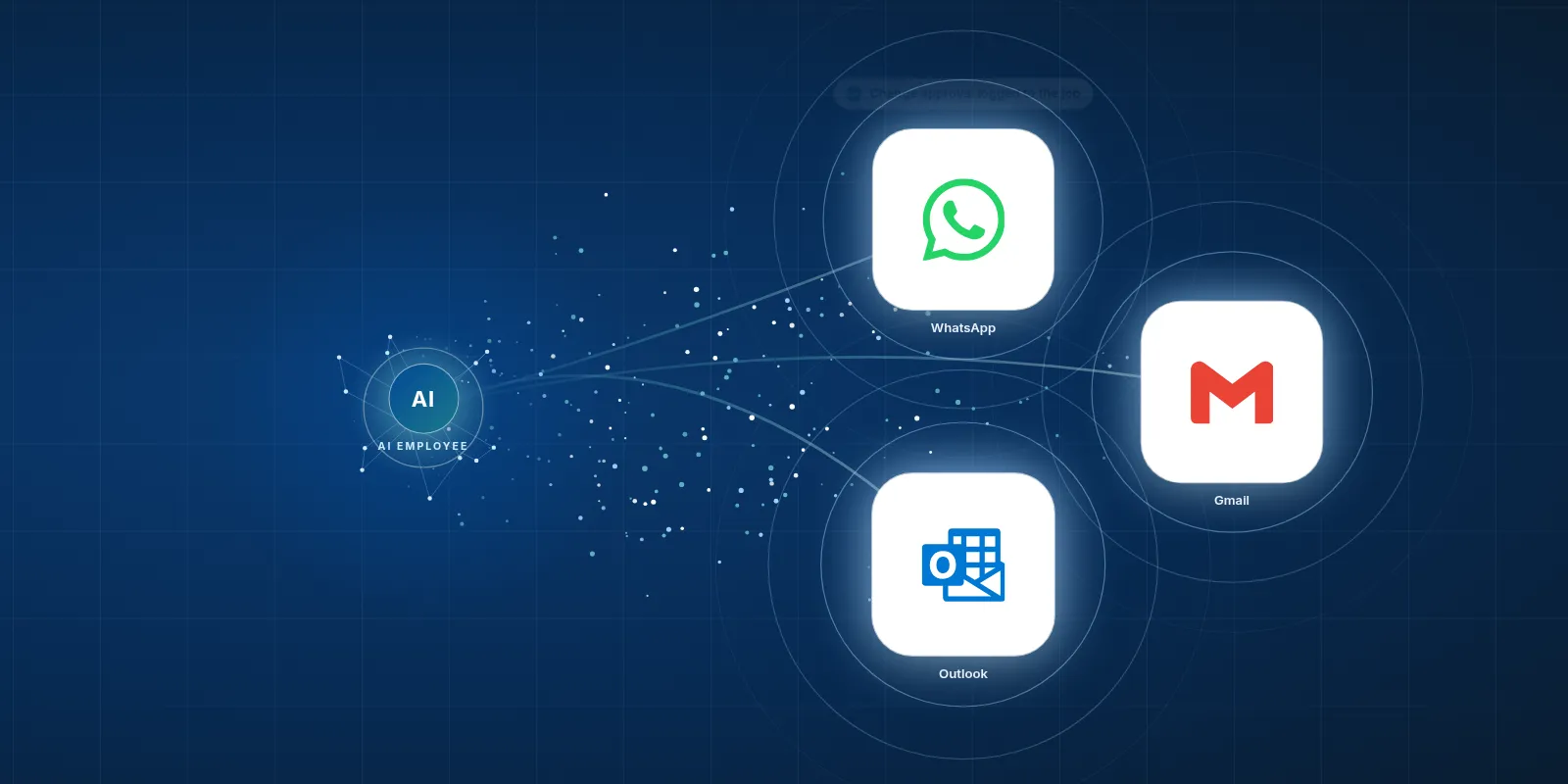
AI in WhatsApp can help an AI Employee turn messages from connected chats into job records, with photos and clear approvals saved where your team works. The connection needs to be set up for your company, with checks for missing details and access to the messages you want saved.
- Chat is useful for quick site updates.
- Key decisions need a lasting job record.
- An AI Employee can help file messages against the right job.
- Unclear replies still need a person to check them.
What do WhatsApp, text and email each do?
WhatsApp is a free chat app from Meta. It lets you send text, photos and voice notes, or make calls over the internet. A foreman can send a picture of a wall before it gets closed up, without heading back to the office.
SMS is the plain text message you send from your phone. Email is still how quotes, contracts and invoices usually travel. Most small builders run their jobs across all these channels at once because that's where their clients and subs already are.
That mix makes sense. You might chase a sub for a quote by text, get the quote by email, then sort out a site detail in WhatsApp. The work moves along, but the full story ends up spread across different places.
- Use chat for a quick exchange while work is moving.
- Save the final decision with the job so the office can find it later.
Who finds these tools useful on a building job?
Small crews and renovators need quick replies from subs and clients. If you're standing beside a delivery that looks wrong, a photo and a short message can get the issue in front of the right person. You don't need to turn every question into a meeting.
The office needs that same ease. You can ask about access while booking the next trade, or send a client a note when a date changes. These are good tools for people whose work takes them away from a desk.
The catch comes when a quick reply changes the job. If a client asks you to move a door, the crew needs a clear record of what was agreed. The chat can start that process, but someone still needs to save the decision where the company keeps its job details.
A quick reply helps the crew now. A saved decision helps the whole job later.
How common is WhatsApp?
TechCrunch reported in May 2025 that WhatsApp had more than 3 billion monthly users, citing Meta's results call. That's a broad measure of use. It doesn't tell us how many builders use it, or which app your next client will prefer.
TechCrunch also reported in June 2023 that the WhatsApp Business app had crossed 200 million monthly active users. That figure is for the business app. It isn't a count of companies with an AI Employee connected to their messages.
In its June 2022 poll, Research Co. found that 45% of Canadians said they used WhatsApp. These figures come from different dates, so treat them as dated snapshots. They help explain why WhatsApp may already be part of your work, but your crew's habits should guide your choice.
- Ask which channel your subs actually check during the day.
- Keep a clear way to save decisions, whichever channel people use.
Your team keeps the tools it knows. The AI Employee takes the busywork around them.
What gets slow or annoying?
Picture a client asking for a different tap in the job chat. A sub replies, then delivery photos push the exchange up the screen. By the time the office writes the change, someone has to scroll back and work out which tap the client meant.
A short reply can make things harder. Does “looks good” approve the price, or does it only mean the photo came through? You need the message around it to make sense of it, and the person reading it later may not have been part of the chat.
Photos can also stay on a worker's phone instead of reaching the company job file. If that person leaves the project, finding them gets harder. The tools did their job by carrying the message, but the filing still falls to someone on your team.
You shouldn't have to scroll through a job chat to work out what the client approved.
How can an AI Employee help with AI in WhatsApp?
An AI Employee can work with WhatsApp through supported access to its API, which is a way for software to exchange information. Text and email can also connect through software services. Each company needs its own setup, based on the messages it can access and where its job records belong.
 WhatsApp
The aim is to put the AI Employee where the work gets discussed. In connected conversations, it can help log each change, photo and clear approval against the right job and send it to the right tool. That gives your team a record without asking them to retype the chat.
We haven't built this connection for clients yet, and we're not an official Meta partner. Access to an existing group chat must be checked before we promise coverage. An unclear job name or vague approval should go to a person for review.
- Try a free construction tool to explore a task your office could use help with.
| Task | Doing it by hand in the tool | The tool plus an AI Employee |
|---|---|---|
| Save a requested change | Find the message and copy it into the job record. | Can draft a change entry from an accessible message for review. |
| File a site photo | Download the photo and choose the job folder. | Can file accessible photos when the job is clear, or ask for a check. |
| Record an approval | Read the exchange and save what was approved. | Can save the source exchange and flag a reply that needs a clearer answer. |
| Update the office | Retype the site update in the job tool. | Can send the captured details to the connected job tool. |
How would we set this up for your company?
Start with a task that causes repeat chasing. Saving client change requests is a useful place to look if your office keeps hunting through messages before it can update a job. Agree on what a complete record needs before connecting anything.
Keep your team in charge of decisions. The AI Employee can prepare the record, but it shouldn't turn a casual reply into permission to spend money. AI will not walk your site for you, and it can't fill in details nobody shared.
- Choose the messages to capture. Name the work channel and tell everyone involved what will be saved.
- Check access. Confirm what the API can receive, or whether an export or email route fits the task.
- Choose the destination. Pick the job tool or folder your office already uses, with clear job names.
- Set the review rules. Missing job details and unclear approvals should wait for a person to check them.
- Try real work examples with permission. Check that the photo reaches the right job and the saved message keeps its meaning.
- Check for missed messages. Agree who handles a failed transfer so the office knows when a record needs attention.
Is this worth doing for your crew?
Look at the work around the messages. If your office keeps copying site updates or chasing proof of an approval, there's a clear task to assess. The point is to give the same team more time for the work you hired them to do.
If your current filing works well, keep it. A connection earns its place when it removes a real chore and produces records your team can trust. Before any build, we would need to agree on access, scope and cost.
- See chat to records in action and bring an example of a message your office has to turn into a job record.
Keep your routine
Choose this when Messages are easy to manage and decisions get saved.
Keep using the tools your crew knows. Make sure someone owns the job record.
Fix the filing
Choose this when People use different job names or save files in scattered places.
Choose a shared home for each job and agree how to name it before adding a connection.
Plan a connection
Choose this when Your office repeats the same copying and chasing each day.
Pick a clear task, confirm message access and plan a small trial with human review.
Questions owners ask
Does my crew need to stop using WhatsApp?
No. The idea is to keep a useful way to talk while making the job record easier to maintain. We would first check which conversations a connection can access. Your crew would also need to know what gets saved and where to send details that need action.
Can an AI Employee read every existing group chat?
We can't promise that. Access depends on what the supported connection allows and how your company uses WhatsApp. We would check that before setting a scope. If a chat isn't accessible, we would need to assess a suitable export or email route rather than assume those messages will be captured.
Can it tell when a client has approved a change?
It can help find a reply that appears to approve a change and keep it with the source exchange. A vague reply still needs a person to check it. Your company should define what counts as a clear approval before any setup uses that message to update a job.
Will it help our office staff?
That's the purpose. An AI Employee can take on repeat filing and copying so your office team can spend more time sorting out job issues and helping clients. Your staff still bring the judgement. They know when a message needs a phone call instead of another entry in a folder.
Has VeebarTech already built this connection?
No. We haven't built this connection for clients yet, and we're not an official Meta partner. This post describes what an AI Employee can help with through a company setup. Before offering a build, we would need to confirm access and agree on the task it should handle.