
Autodesk Construction Cloud: what it does, and how AI keeps issues and sheets in order
Your project files may be in the right tool, yet your crew still phones the office to find them. An AI Employee can help with that busywork through a connection set up for your company.
6 minute read
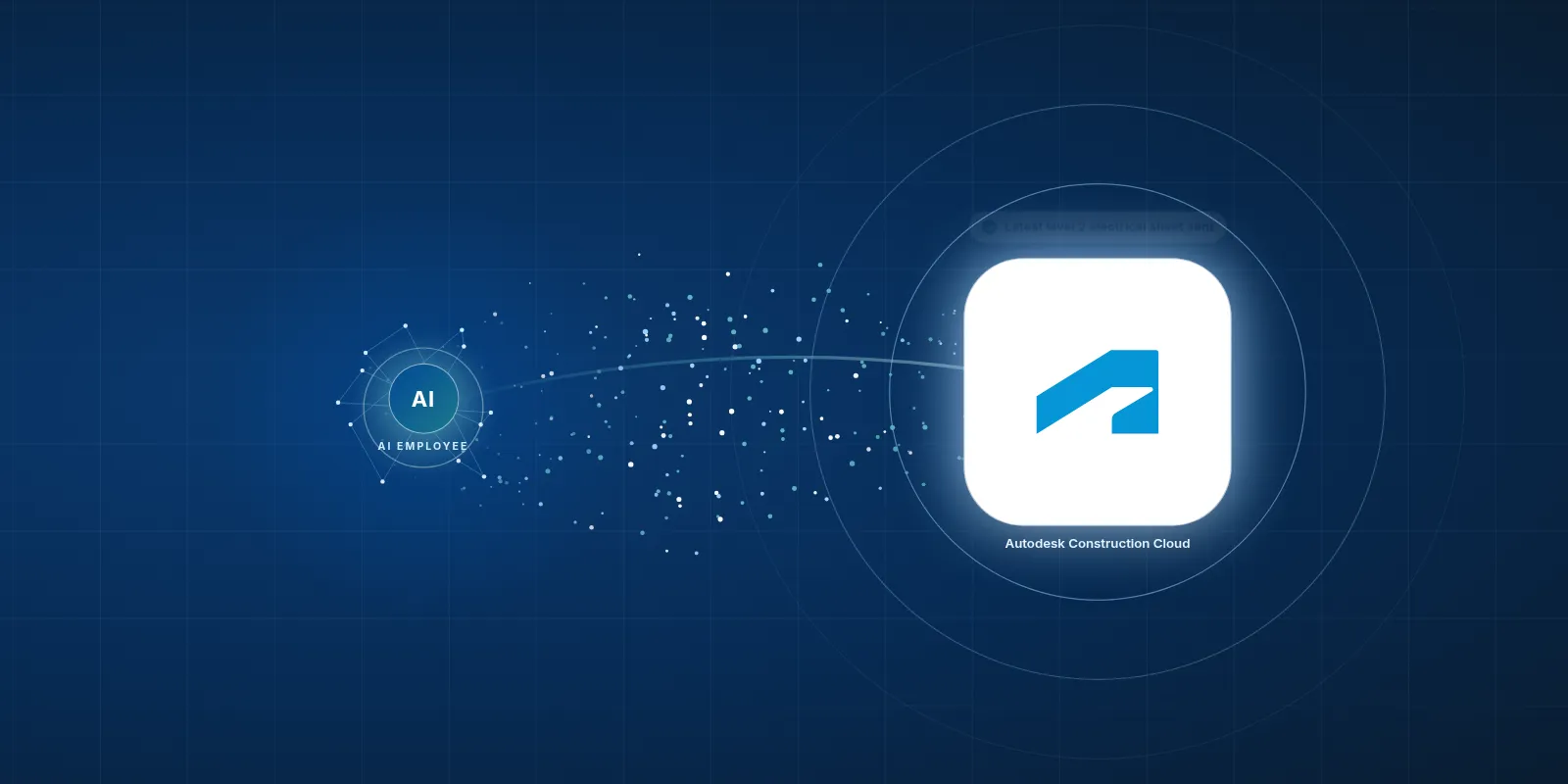
An AI Employee can work with Autodesk Construction Cloud to find drawings, log site issues and help route questions to designers through a connection set up for your company. VeebarTech has not built this connection for clients yet and is not an official Autodesk partner.
- The tool brings bids, drawings and project records together.
- Its reach is broad, but the usage figures below are historical.
- An AI Employee can help your team find files and move routine work along.
- Your team still checks technical details and makes project decisions.
What does Autodesk Construction Cloud actually do?
Autodesk Construction Cloud is a set of tools for building projects. It covers bids and drawings, plus models that show how the building fits together. Your team can also use it to track field issues and project costs.
Think of a drawing change that affects work on site. The office needs the right file, and the crew needs to know what changed before work starts. The tool gives those records a shared home.
Autodesk renamed it Autodesk Forma in March 2026, so Autodesk Build is now Forma Build. You may still hear the old names from people you work with. We'll use Autodesk Construction Cloud here so it's clear which tools we're talking about.
Having the drawing on file helps. Getting it to the person doing the work is what counts.
Who tends to use it?
It's a fit for mid size to large contractors and design teams, especially those already using Autodesk tools such as Revit and AutoCAD. They often work with building models and need to share detailed project records.
For a small trade company, the choice may start with a job. A general contractor asks your foreperson to use the system, so your office learns it too. That doesn't mean you need every product Autodesk sells.
We'd start with the work your team must do there. If you're sharing drawings and closing site issues, focus on those tasks first. A big tool can still serve a small crew when the setup matches the job.
How popular is it?
The figures in this brief show broad use across construction. They're historical figures, though, and they measure different things. A network user isn't the same as a paying company.
Here is what the published figures tell us. Keep the dates beside them when you compare tools.
- ENR reported in March 2020 that its builders network had more than one million users.
- ENR's digital edition reported in March 2020 that more than 300 of the ENR Top 400 contractors used at least one of its products.
- An Autodesk press release via TMCnet said on September 23, 2021, that more than 350,000 projects had used it for preconstruction work such as bids.
What do people find slow or annoying?
Cost can be hard to justify for a smaller shop. Capterra's pricing listing describes pricing by user and year, with costs tied to the product. Unlimited user plans need a quote, so check the scope before you budget.
Then there's the daily work around the tool. Someone still has to find the right sheet or chase an issue that has stalled with a designer. A shared system helps, but people still need time to use it.
- Capterra reviews raise concerns about cost and features behind a paywall.
- Capterra's UK reviews include reports of glitches and errors.
- RFP Wiki reports a steep learning curve and admin work around permissions.
- Software Advice reviews include frustration from some former PlanGrid users about changes after Autodesk bought it.
- Architosh describes confusion around the Forma name because it previously referred to a separate design tool.
A good project tool can still leave your office with a pile of chasing.
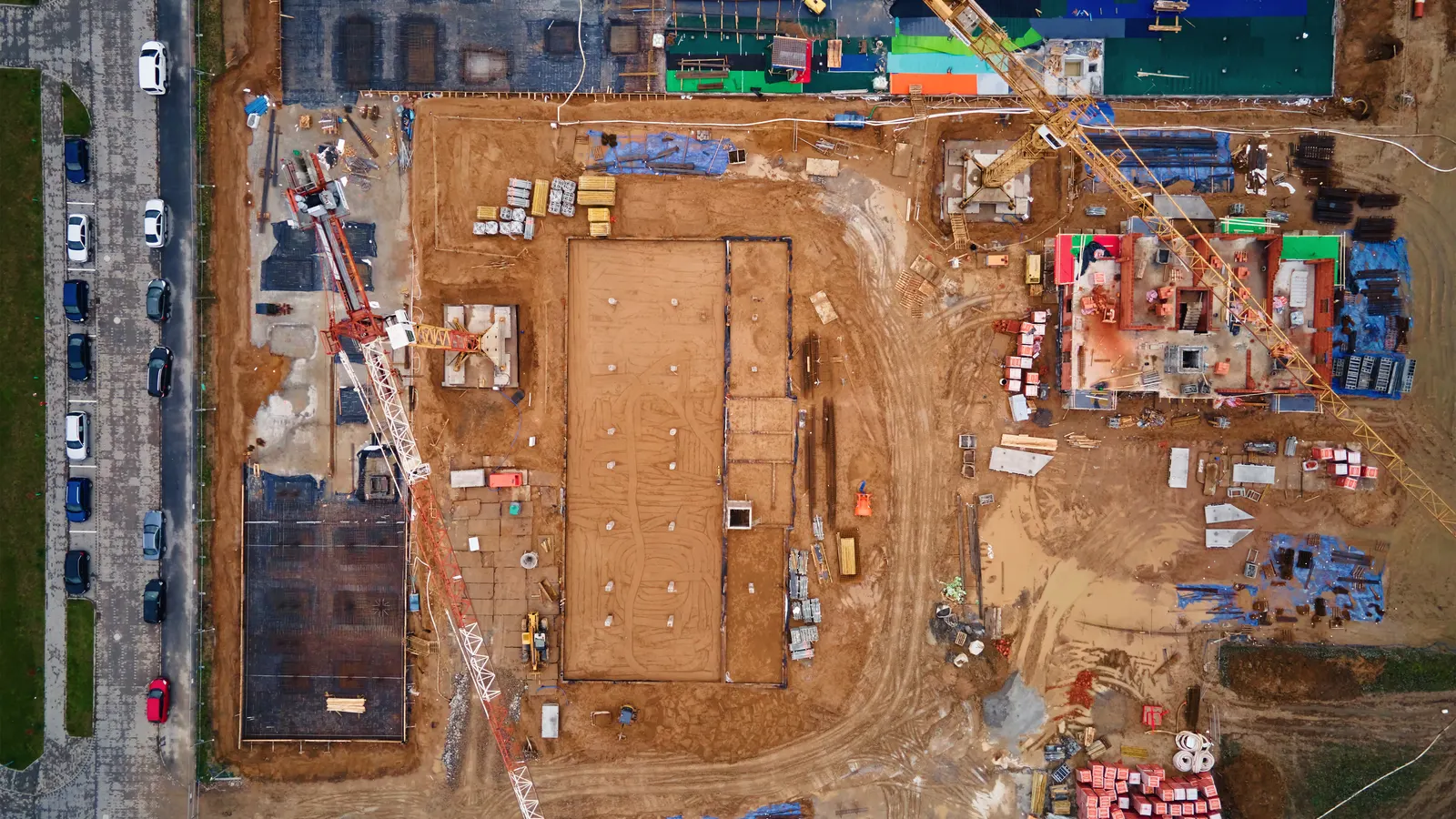
Your team keeps the tools it knows. The AI Employee takes the busywork around them.
How can an AI Employee help with that work?
You should be able to ask in chat, “Find the latest electrical sheet for this floor.” With the right connection and file access, an AI Employee can find the sheet and return a link. The setup needs clear rules for what counts as the latest approved drawing.
An AI Employee can also turn a site photo and your note into an issue record. It can route a request for information, often called an RFI, to the right designer. When drawings change, it can flag the new revision and prepare a summary for your team to check.
That's our proposed approach, not a claim that this connection is live. We haven't built it for clients yet, and we're not an official Autodesk partner. The exact tasks would depend on your access and the records available.
| Task | Doing it by hand in the tool | The tool plus an AI Employee |
|---|---|---|
| Find a drawing | Browse files and check the revision. | Ask in chat and get a file link with revision details to check. |
| Log a site issue | Upload a photo and type the issue details. | Use a photo and note to prepare an issue for review. |
| Route an RFI | Find the designer and send the question. | Route the checked question using agreed contact rules. |
| Review a drawing change | Open revisions and look for changes. | Get a revision alert and a draft change summary to verify. |
How would we set up the connection?
Autodesk Platform Services offers public APIs for the construction tools, according to its developer information. An API is a way for software to exchange data. That gives us a path to explore, but access to each task still needs checking.
 Autodesk Construction Cloud
An AI Employee can work through the API, available exports or emails the tool sends. We would choose the path around your company's setup. An email alert may help flag a change, while creating an issue may need different access.
- Pick a task that causes repeat calls or typing, such as finding the current drawing.
- Check where the needed records live and what your account allows us to read or write.
- Set access rules so people only receive files they are allowed to see.
- Agree on which actions need a person to check them before anything is sent or saved.
- Try real job records, including old revisions and missing details, then review the results with your team.
AI will not walk your site for you. It can help get the right information to the people who do.
Is this worth doing for our company?
Start with the work that keeps landing back on your desk. If your office manager spends the morning sending drawing links, that's a clear task to look at. If nobody knows which folder holds approved drawings, sort that out first.
We want your current team doing the work you hired them for. The aim is less copying and chasing, with people still making the calls that need site knowledge. An AI Employee also won't remove Autodesk's licence costs.
Start with drawing search
Choose this when Your files are organized, but people keep asking for links.
Explore chat access that returns the right sheet with enough detail for your crew to check it.
Start with issue handling
Choose this when Site photos arrive, but issue records get entered late.
Explore turning photos and notes into draft issues that your team can check before saving.
Fix the basics first
Choose this when Approved files are unclear or access rules are unsettled.
Agree on file ownership and permissions before adding a connection that relies on those records.
What should we bring to a first call?
Bring a real task that keeps slowing someone down. A drawing request or an issue stuck between the field and office is enough to start. We can talk through where the information lives and what a useful connection would need.
You don't need a plan for every part of the business. Read what the AI Employee handles to discuss the task and what we'd need to confirm before building. You can also browse our free tools for construction companies.
Questions owners ask
Is Autodesk Construction Cloud now called Forma?
Yes. Autodesk renamed Autodesk Construction Cloud to Autodesk Forma in March 2026, and Autodesk Build is now Forma Build. The old names may still come up in project talks. When discussing a connection, confirm the actual product your team uses so everyone is talking about the same work.
Can an AI Employee work with our current setup?
It can work with the tool through its API, available exports or the emails it sends, with a setup built for your company. We would need to check your access and the task first. VeebarTech has not built this connection for clients yet and is not an official Autodesk partner.
Can it tell us exactly what changed in a drawing?
It can help flag a new revision and prepare a summary of changes when the needed files are available. Your team should check that summary against the drawings before acting. A small detail can matter on site, and an AI summary should not be treated as design approval or an instruction to build.
Will we still need someone to manage the tool?
Yes. Someone still needs to own file rules and decide who gets access. An AI Employee can take on routine finding and copying so that person has more time for the job. Your team still handles unclear questions and checks work that could affect what happens on site.
How much would the AI connection cost?
We don't have a set price for this proposed connection. The scope depends on the task and the access your company has. Autodesk's own product costs are separate. We'd need to agree on a clear task and check what is possible before giving you a useful price for the work.