
Raken: what it does, and how AI writes the daily report from a voice note
Raken gives your crew a place to record the day. An AI Employee can help get those reports written when everyone wants to head home.
7 minute read
An AI Employee can work with Raken to turn a foreman's voice note into a daily report, using confirmed site details and attached photos. VeebarTech would set up the connection for your company and check what it can read and send before putting it to work.
- Raken puts daily reports, crew hours and site photos where the office can see them.
- The hard part can still be getting the day's details out of a tired foreman.
- An AI Employee can draft reports and flag missing facts for your team to check.
- VeebarTech has not built this connection for clients yet and is not an official Raken partner.
What does Raken do on a job site?
Raken is a phone app for the job site. Foremen use it to fill out daily reports, log crew hours and add photos. The office can see those reports right away instead of chasing paper.
Think about the end of a concrete pour. Your foreman has notes about the crew's hours and photos of the finished work. Raken gives those details a home so they don't stay buried on a phone.
That's useful on its own. A project manager can check what the crew recorded without waiting for someone to drop off a form. But someone still has to put the facts into the app, and that can be the part that slips.
Who is Raken a good fit for?
Raken fits contractors and subs whose work happens mostly in the field. If your office needs clear daily reports and crew time from scattered sites, the appeal is easy to see. You want a record you can find.
A trade contractor might need photos before work gets covered up. A general contractor might need daily notes from foremen across active jobs. In either case, the report helps the office understand what happened without another round of calls.
We'd start by looking at how your crew reports now. If the app already gets used each day, you may have a solid base. If reports keep coming in thin or late, adding more required fields probably won't solve the whole problem.
How popular is Raken, and what does it cost?
Choate's announcement about an investment in Raken says it serves over 4,500 construction firms, including subcontractors and general contractors. That figure was reported in September 2025, according to the same Choate announcement. It gives you a sense of its reach.
The Raken About page shows an Apple App Store rating of 4.8 out of 5 in the supplied 2026 figures. That's a useful signal, though it won't tell you how well the app fits your crew. Try the tasks your foreman does after a long shift.
The Raken pricing page cited in the brief lists Basic at US$23 per user per month and Performance at US$59, billed yearly, with a 3 user minimum. Ask Raken to confirm the quote for your company. Your plan and any extras matter as much as the seat price.
- Work out who needs to enter reports and who only needs to receive them.
- Ask which plan includes the accounting or payroll links you need.
- Get the cost of setup and add ons in writing before you choose.
What can make Raken slow or annoying?
Raken can be a good tool and still leave work on your plate. The problem we care about is the tired foreman facing a blank report. They remember the day, but typing it all out feels like another job.
So the report comes in late, with a vague note like work continued. Or it doesn't come in at all. When someone later asks why a crew had to wait, the office has little to go on.
There are also costs and app issues to check. Capterra user reviews flag the growing bill as more people need seats. The RFP Wiki listing supplied for this post reports the other concerns below, so use them as questions to test against your own needs.
- Time Clock and integration setup can add costs beyond the base seat price.
- Many accounting and payroll links may need the Performance plan.
- Deep custom reports and bulk exports of old records can be hard to do.
- Some users report that the phone app runs slowly or crashes.
A good report starts with what your foreman knows, even when they're too tired to type it.
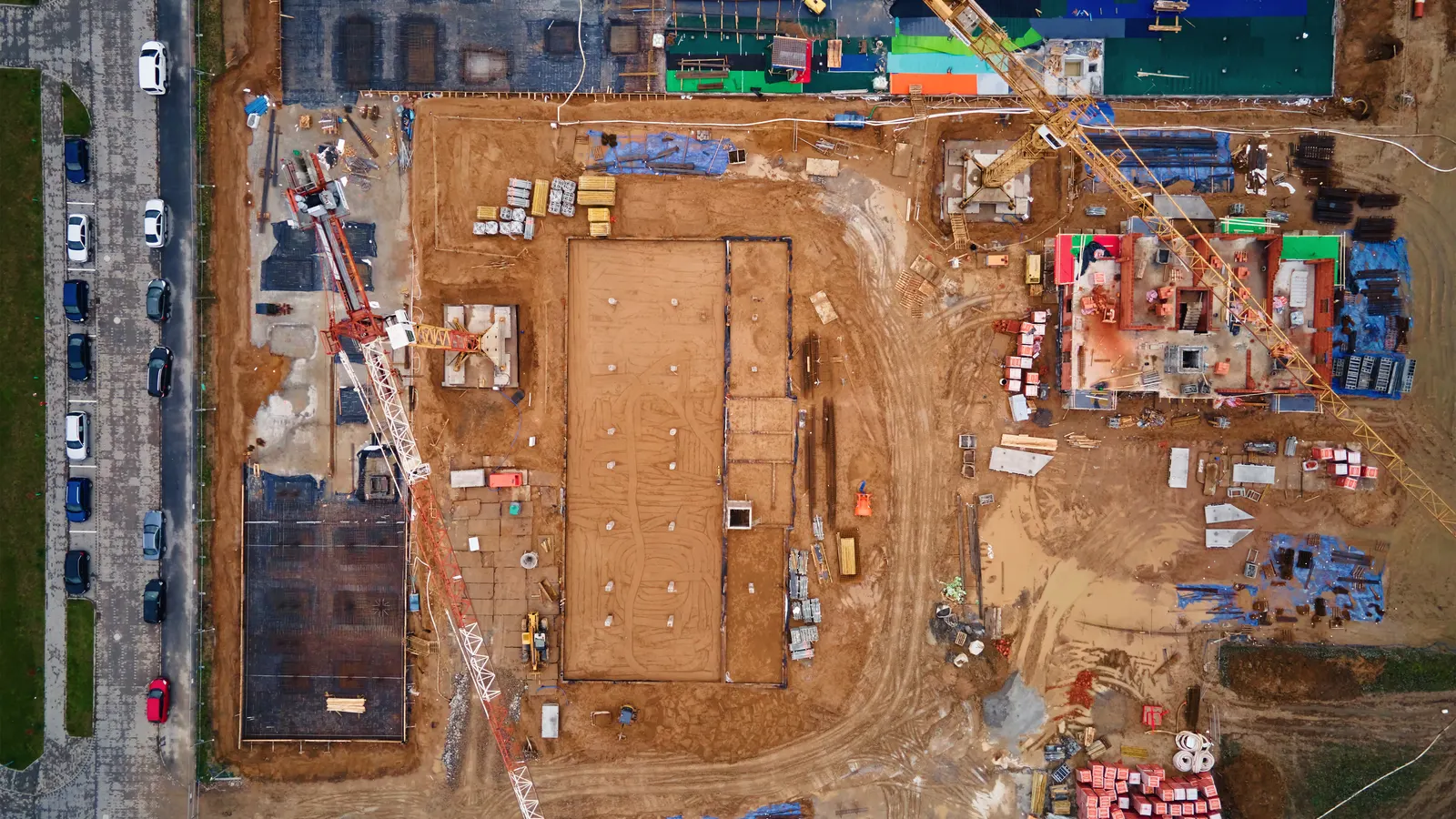
Your team keeps the tools it knows. The AI Employee takes the busywork around them.
How can an AI Employee help with Raken?
The foreman sends a short voice note about the day and adds the site photos. An AI Employee can turn that into a full draft, with crew names and hours from confirmed records. Weather needs an agreed source or the foreman's own account.
If the note says a delivery held up the crew, the AI Employee can flag that delay for the project manager. It can ask for missing details before sending the checked report through an agreed route. That gives your team a clearer record to refer to if a claim comes up.
Your foreman still knows the site. The AI Employee takes on the typing and follow up so the same team can focus on the work you hired them to do. Try a free construction tool to see where you'd like help first.
| Task | By hand in Raken | Raken plus an AI Employee |
|---|---|---|
| Write the daily report | The foreman types the day's notes. | The foreman sends a voice note and checks a draft. |
| Record crew hours | Someone enters or checks the hours. | The AI Employee uses approved records and asks about gaps. |
| Add photos | The foreman attaches the relevant site photos. | The AI Employee can use supplied photos where the connection allows. |
| Record a delay | Someone writes the details and tells the project manager. | The AI Employee can flag the delay and draft a clear note. |
| Send the report | Someone checks it and sends it along. | The AI Employee can send it after the agreed review. |
AI will not walk your site for you. It can help get what happened there onto the record.
Can an AI Employee actually connect to Raken?
Yes, an AI Employee can work with Raken through its API, its exports or the emails it sends, with setup for each company. An API lets software exchange data. Raken's developer page describes an API and an MCP connection for AI tools, arranged through sales.
 Raken
That doesn't mean every task is ready to switch on. We'd need to check what your account allows, including whether a connection can create reports or only read records. If direct entry isn't supported, we would agree on a route your team can use.
We haven't built this connection for clients yet, and we're not an official Raken partner. This is a proposed workflow. We'd confirm the available access and test it with sample reports before asking your crew to rely on it.
- Confirm which records the connection can read and change.
- Check how voice notes and photos will reach the right job.
- Agree on who approves reports and where finished copies go.
How would we set up the daily report workflow?
Start with a daily report your office already uses. Keep the fields that help the project manager understand the work. Then test the flow with a foreman who can tell us where it gets awkward.
The goal is a report your team trusts. A tidy paragraph is no use if it puts the crew on the wrong job or turns a guess into a fact. Review matters most when the note is thin.
- Pick the report fields. Include the job and date, then the crew's work and hours. Leave space for weather, photos and delays.
- Set up the voice note route. Give the foreman a clear place to send the note and identify the job.
- Check the draft against the source. Keep unknown details marked as missing and ask the foreman to fill the gaps.
- Set the review step. Name the person who checks the report before it reaches the project manager.
- Test the delay flag. Make sure it keeps the foreman's account and related photos together for review.
Is this worth setting up for your company?
Look at where the work stalls now. If your foremen send clear reports on time, you may have little to fix. If the office spends each morning chasing yesterday's notes, that's a task worth testing.
We'd scope the work around that bottleneck and the access Raken supports. See daily reports handled to talk through your report process. Bring an example of what your foreman sends and what your project manager needs.
Keep your current flow
Choose this when Reports arrive complete and on time.
Keep using what works. Ask the crew where small changes might help before adding another step.
Test voice notes
Choose this when Foremen know the details but put off typing.
Try turning spoken notes into checked drafts. See whether the reports become easier to finish.
Check access first
Choose this when You need reports sent into Raken.
Confirm write access and plan costs with Raken before building your daily process around the connection.
Questions owners ask
Is AI in Raken a separate product from VeebarTech?
We use AI in Raken here to describe an AI Employee working with Raken. We aren't announcing a new Raken product. VeebarTech would scope and set up the workflow for your company, and we haven't built this connection for clients yet.
Can the AI Employee fill in facts the foreman leaves out?
It should ask for missing facts or use an approved source your team has agreed on. It should never guess crew hours or make up a reason for a delay. If the source is unclear, the draft should show the gap so someone can check it.
Would our foremen still need to use Raken?
That depends on the setup and what Raken allows through the connection. A foreman could send a voice note and photos through an agreed route, but might still need to review or finish the report in Raken. We'd test those steps before changing how your crew works.
Can an AI Employee fix a slow Raken app?
No. An AI Employee cannot fix Raken's app or change its seat prices. It can help with work around the tool, such as drafting a report from a voice note. App faults still need to go through Raken's support process, and any alternate route needs testing.
Will a daily report prove a delay claim?
A report can help your team keep a clear account of what happened. It does not prove a claim on its own. The AI Employee can flag a delay and keep the supplied facts together, while your project manager checks the record and decides what needs further review.