
SafetyCulture and Salus: how AI sends toolbox talks and collects sign offs
Your safety app holds the forms. An AI Employee can help chase the replies and keep the records in order, so your crew can get on with the work.
6 minute read
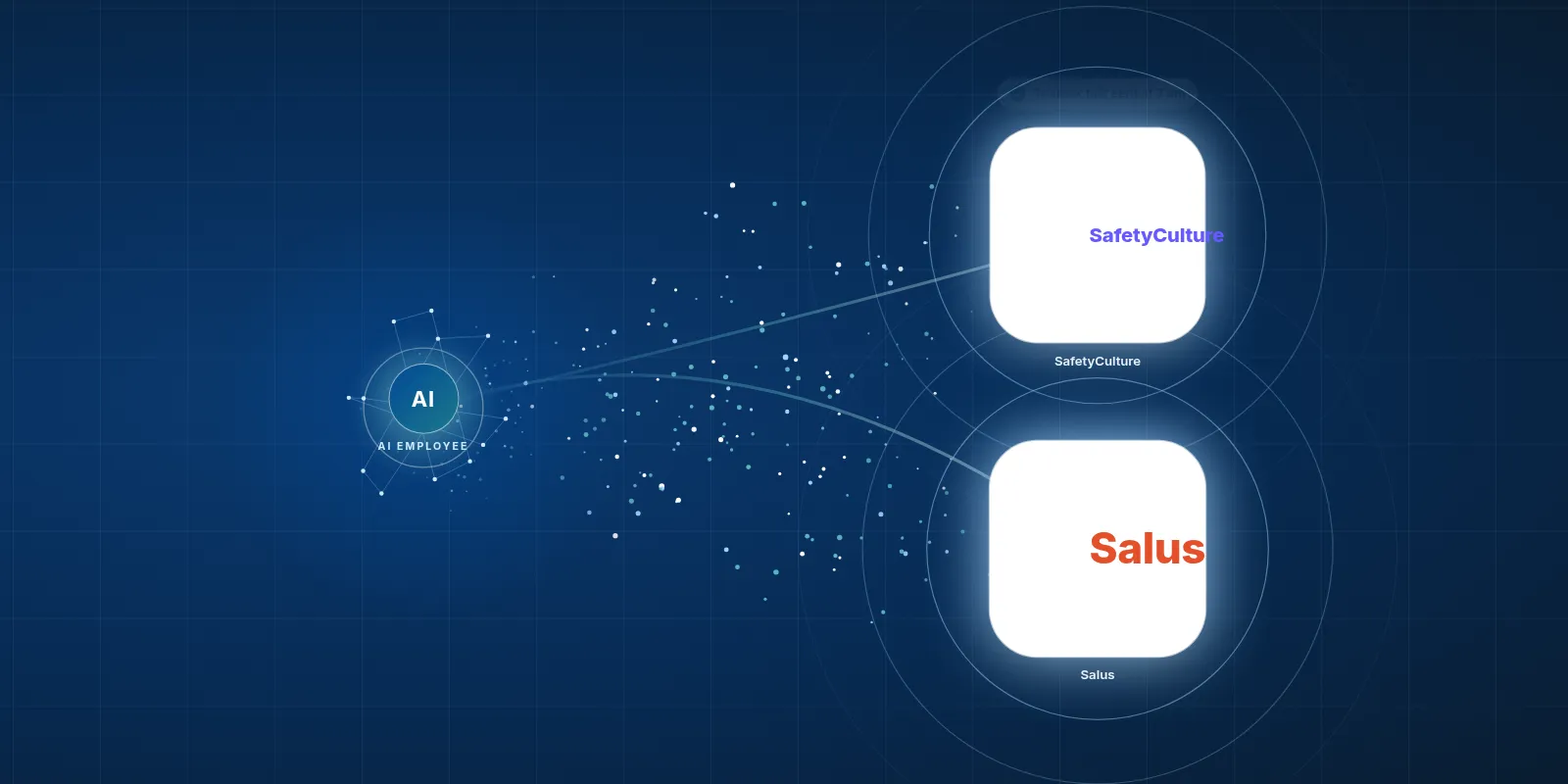
An AI Employee can work with SafetyCulture or SALUS to send toolbox talks through WhatsApp, collect sign offs and chase missing replies, with a connection set up for your company. It can help keep dated records ready for an inspector, while your team stays in charge of safety decisions.
- SafetyCulture suits crews that want simple phone checklists.
- SALUS brings construction safety forms and worker certificates together.
- An AI Employee can handle the follow up around your safety app.
- A signed form does not prove someone understood the talk.
What do SafetyCulture and SALUS actually do?
SafetyCulture, now called Mitti, is an app for safety checklists and inspections. A worker opens a form on their phone, taps through the checks and adds photos. If they spot a problem, they can flag it in the form.
Think of a site check before work starts. Instead of carrying a paper sheet back to the office, your worker puts the details into the app. Your team then has a record to review.
SALUS is a safety app built for construction. It handles safety forms, worker certificates and incident reports. That suits an office trying to keep track of safety paperwork across crews.
Both tools give the paperwork a home. The work around that paperwork still needs care, especially when a form is late or a worker needs help with a question.
Which tool makes sense for my crew?
SafetyCulture fits crews that want a low cost way to run simple phone checklists. You might start with a repeat site inspection and add more forms as the team gets used to it. Keep the first form short enough that people will read it.
SALUS fits Canadian contractors who want construction safety forms and worker certificates in one place. If your office spends time finding proof of training, that focus may suit your work. Start with the task that causes the most chasing.
The Mitti pricing page lists a free plan for teams of up to 10, with Premium at $24 per seat per month billed yearly or $29 billed monthly. The Mitti pricing page lists Enterprise pricing by custom quote. SALUS quotes each company after a discovery call.
- Try a form your crew already uses before choosing a tool.
- Ask what your office needs to find after the form comes back.
- Check the plan and connection costs before adding AI work.
How widely are these tools used?
The Mitti About page says 80,000 organizations use its platform. The Mitti About page also reports over 2 million users across 190 countries. Those are company figures for the platform as a whole, rather than a count of construction crews.
The SALUS homepage says its platform serves 14,000 companies and 400,000 users. Those are figures reported by SALUS. They tell you about its reach, but they do not tell you how well it will fit your forms.
We would put more weight on a test with your own crew than on a large user count. Can a worker finish the form on their phone without help? Can your office find the right record when someone asks for it?
What can feel slow or annoying?
Some SafetyCulture reviewers on GetApp report rising costs as teams grow and concerns about price hikes. Reviews on Zoftwarehub mention duplicate reports and advanced features that take time to learn. These are reported experiences, not problems every crew will face.
SafetyCulture needs an internet connection to sync. Some remote users on Zoftwarehub report lost work with weak signal, so test the app where your crew will use it. Some SALUS reviewers on G2 report bugs and ask for more tracking and reporting.
Then there is the work around the app. Forms can get ticked without being read, and signatures can go missing. Pulling records together for an inspector or a COR audit can take days when the office has to hunt through scattered replies.
- Test what happens when a phone loses signal.
- Check how your team spots and handles duplicate reports.
- Make it clear who follows up when a signature is missing.
A form has a place to live. Someone still has to chase it.
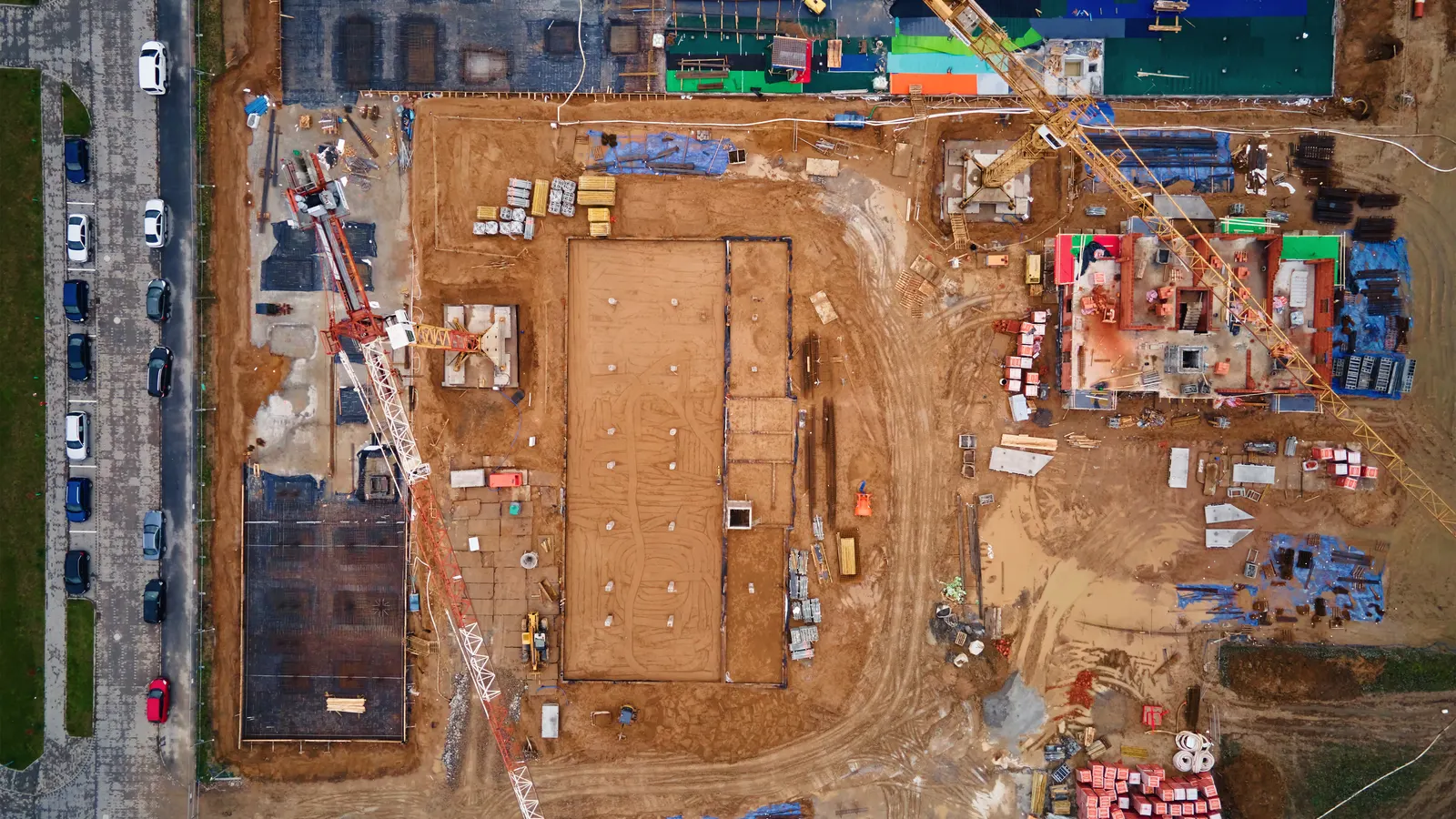
Your team keeps the tools it knows. The AI Employee takes the busywork around them.
How can an AI Employee help with the chasing?
With a setup built for your company, an AI Employee can send the toolbox talk each morning on WhatsApp. It can collect each sign off and compare the replies with the crew list. Anyone still missing can get a reminder, with unresolved gaps sent to the person you choose.
It can also keep a dated record of the talk and the replies, ready to pull up for an inspector. Your office spends less time searching through messages. The same team can spend that time sorting out the questions that need a person.
We have not built this connection for clients yet, and we are not an official partner of either vendor. This is work we can set up around your chosen tool, subject to the access and records available.
| Task | Doing it by hand in the tool | The tool plus an AI Employee |
|---|---|---|
| Send the toolbox talk | A team member shares the talk and checks the crew list. | Can send the approved talk each morning through WhatsApp. |
| Collect sign offs | The office checks replies against the expected names. | Can match replies to the crew list and flag gaps. |
| Chase missing replies | Someone sends reminders and checks again. | Can send reminders and pass unresolved gaps to a supervisor. |
| Gather inspection records | The office finds the talk and its related records. | Can gather dated records and show what is still missing. |
You keep the safety judgement. AI can take the chasing.
How would we set this up for our company?
Start with the toolbox talk your crew already knows. We would map where it comes from and how your office checks the replies. The aim is to make that routine easier to run.
 SafetyCulture and Salus
SafetyCulture has a public developer API, webhooks and an MCP server for AI tools, with some access tied to Enterprise, according to its developer docs. SALUS offers API access for enterprise workflows and a Procore integration. Your plan and access still need checking before we choose how to connect.
- Pick a talk your supervisor has reviewed and approved for the work.
- Confirm the crew list and who should receive missing reply alerts.
- Check access through the tool's API, exports or the emails it sends.
- Set up WhatsApp delivery and agree on what counts as a sign off.
- Test missed replies and a changed crew list before wider use.
- Ask the office to find a dated record and check it against the original.
Start with a task you can check from start to finish.
Should we fix our forms or add AI help?
If workers cannot tell what a form is asking, sending more reminders will not fix it. Start by making the form clear. If the form works but your office keeps chasing replies, that is a useful place to consider AI help.
You can also try a free construction tool to explore a small admin task. Keep the first step narrow enough that your team can judge whether it helps.
Tidy the form
Choose this when Workers keep asking what the questions mean.
Review the wording with your site lead. Clear questions make it easier to give useful answers.
Connect the follow up
Choose this when The forms work, but replies need constant chasing.
Explore an AI Employee that sends approved talks and follows up on missing sign offs.
Fix record access
Choose this when The office struggles to find completed records.
Check how records are stored and exported before setting up AI to gather them.
What still needs someone from our team?
AI will not walk your site for you. Your supervisor still needs to check that the talk fits the work and deal with hazards. A reply logged against a worker's name does not show that they understood every point.
Keep a clear way for workers to ask questions. If someone flags a problem in a reply, the setup should pass it to the right person. Missing records should stay visible until your team resolves them.
At VeebarTech, we see this as help for the people you already trust. Your office knows the jobs and your supervisors know the crew. An AI Employee can take on repeat follow up so they have more time for that work.
See safety follow ups handled to walk through your current process. We can review the tool you use and work out whether a connection through its API, exports or emails makes sense.
Questions owners ask
Can an AI Employee work with either SafetyCulture or SALUS?
Yes, an AI Employee can work with either tool through its API, exports or the emails it sends, with a setup built for your company. The exact tasks depend on your plan and available access. We would check those details before agreeing on what the connection should do.
Have you already built this connection for clients?
No. We have not built this connection for clients yet, and we are not an official partner of either vendor. The workflow described here is a proposed setup. We would need to check your access and test the full path from sending a talk to finding its dated record.
Can AI tell if a worker actually read the toolbox talk?
A sign off alone cannot tell you that someone read and understood the talk. An AI Employee can log a reply and flag a missing response. Your supervisor still needs to make room for questions and check understanding when needed, especially when the work or site conditions change.
Will this make us ready for a COR audit?
It can help your team gather dated records and spot missing sign offs. That does not guarantee a successful COR audit or prove that your safety program meets every requirement. Your safety lead still needs to review the records and confirm what is needed for your company and work.
Do we need to move away from our current safety app?
No move is assumed. If your current tool suits your crew, we can explore ways to handle the busywork around it. That may mean reading an export or using emails rather than a direct connection. The right route depends on what your office needs and what access the tool allows.
Fix part of it today, free
Rather hand the whole job off? See what an AI Employee takes off a builder's plate.