
Procore: what it does, and how AI files daily logs and chases RFIs
Procore gives your office and field a shared place for job details. An AI Employee can help keep those details moving when your crew has work to do.
6 minute read

An AI Employee can work with Procore through a connection set up for your company to turn crew messages into job records and help chase overdue replies. VeebarTech has not built this connection for clients yet and is not an official Procore partner.
- Procore keeps job records where the office and field can see them.
- Its scope can feel like a lot for a small firm.
- An AI Employee can help turn crew updates into records and chase missing replies.
- The connection needs setup and testing for your company.
What does Procore actually do?
Procore is project management software for building jobs. It keeps drawings, RFIs, submittals, daily logs and budgets in a shared place online. Your office and field crew can see the same job details on a computer or phone.
An RFI is a request for information, such as asking the designer to clear up a detail on a drawing. A submittal is something sent for review, such as a product sheet for the doors you plan to install. A daily log records what happened on site.
Think of a foreman checking a drawing while the office looks at a question about that same job. Having the records together gives them a shared place to look. Someone still has to put the right details in.
A shared job record only helps when the crew can trust what's in it.
Who is Procore built for?
Procore is used by commercial general contractors and owners running many jobs or large projects. They need a shared system for the office and field. When drawings change and work needs review, having a place for those records makes sense.
For a small trade firm, the question is what your work needs. You may need to use Procore because the general contractor runs the project there. Or you may be choosing a system for your own jobs and wondering how much structure is enough.
We'd start with the work you struggle to track. If your office keeps chasing missing job details, a shared system may help. If your needs are simple, look closely at the setup work before you commit.
- Look at the records your contracts require you to keep.
- Ask who will keep those records current once the job gets busy.
- Check what the general contractor expects your crew to submit.
- Have the people doing the work try the tasks they'll use most.
How popular is Procore?
Procore is an established tool with a large customer base. The Procore Form 10-K FY2025 reported 17,850 customers on its platform at the end of 2025. That shows its reach, though it doesn't tell you how well it will fit your jobs.
The Procore Form 10-K FY2025 reported $1.3 billion in revenue in 2025. Procore investor relations, Why Invest reported active projects in more than 160 countries at its 2024 Investor Day. These figures describe the business and its reach, not results your company should expect.
Popularity can give you a reason to take a closer look. It shouldn't make the choice for you. Your crew still needs to use the system, and your office still needs records it can trust.
- Procore Form 10-K FY2025 reports customer and revenue figures.
- Procore investor relations, Why Invest describes its reach across countries.
What do people find slow or annoying?
Procore is a good tool, but learning it takes effort. Some reviewers on Capterra say it feels too big for small firms or beginners, while reviews on G2 describe a steep learning curve. Other reviewers mention rigid setup choices or complex budget tools.
Cost comes up too. Procore's pricing page says it charges a yearly fee for each product based on annual construction volume, with unlimited users at no extra cost. It doesn't post prices, and some Capterra reviewers question the value for the price.
Then there's the daily work. If crews rarely open Procore, logs can get skipped and the office has to chase details later. A project manager may spend hours chasing overdue RFIs and submittals while fresh work waits.
- Read the Procore pricing page before asking for a quote.
- Compare the small firm and price concerns in Capterra reviews.
- Check the learning concerns on G2.
- Review comments about setup on Capterra Canada and budgets on TrustRadius.
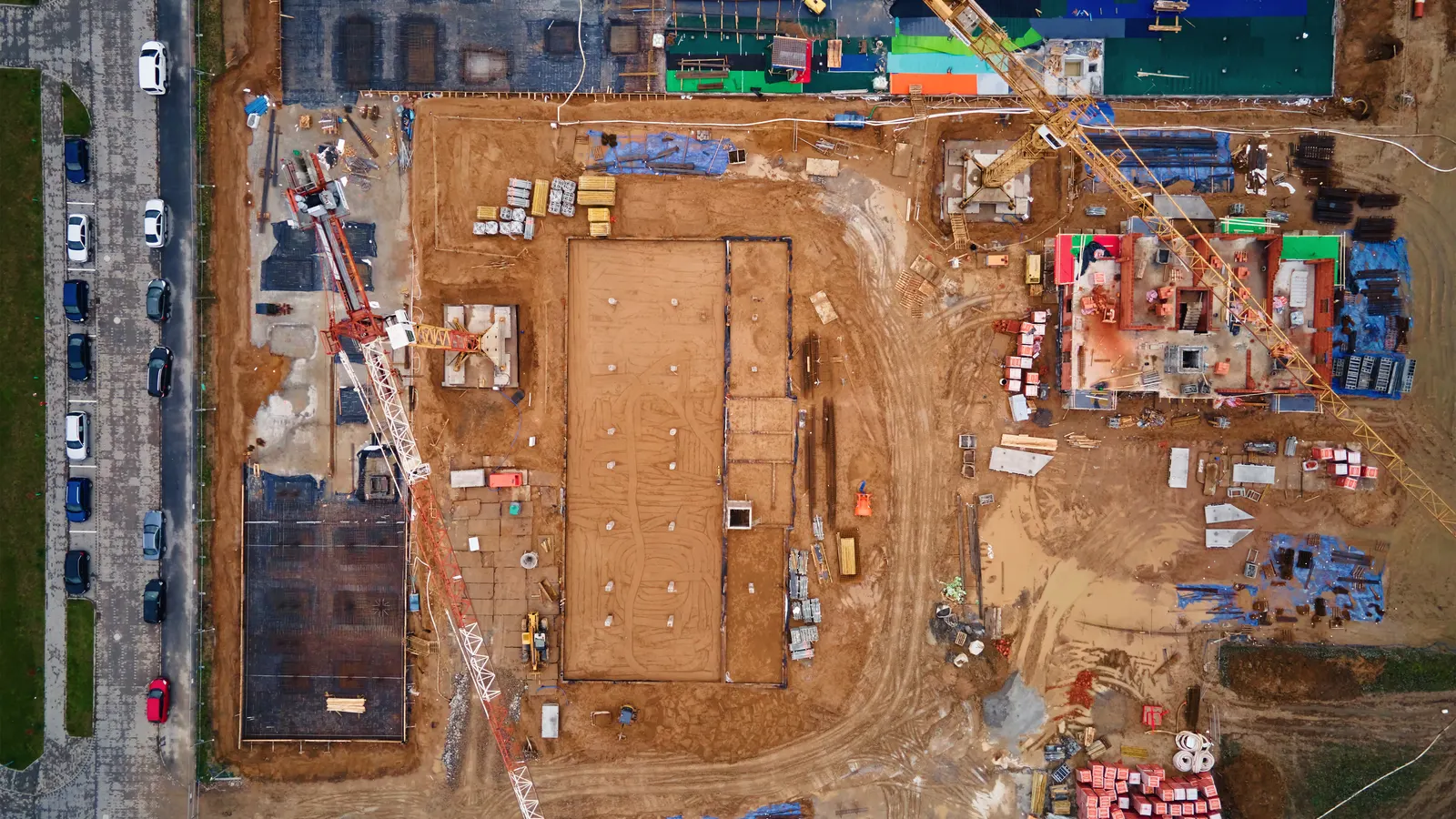
Your team keeps the tools it knows. The AI Employee takes the busywork around them.
How can an AI Employee help with Procore?
The aim is simple. Your crew sends a voice note or photo on WhatsApp, and an AI Employee can help file the update in Procore. We would set up which messages become daily logs, RFIs or punch items, and which need someone to review them first.
With the right access and rules, the AI Employee can also chase overdue RFIs and submittals. You could ask where a job is at in chat and get an answer drawn from its records. If the records are stale, the answer should make that clear.
This is a proposed setup, and we haven't built it for clients yet. The point is to give your current team less typing and chasing so they can do the work you hired them for.
| Task | Doing it by hand in Procore | Procore plus an AI Employee |
|---|---|---|
| File a daily log | Someone types the crew's update into the log. | A crew voice note can become a log entry under agreed review rules. |
| Raise an RFI | Someone gathers the details and enters the question. | A crew message can become a draft RFI for review. |
| Record a punch item | Someone uploads the photo and types the location. | A photo and message can become an item once the location is clear. |
| Chase overdue replies | The project manager checks dates and sends reminders. | The AI Employee can send reminders under rules your team approves. |
| Check job status | Someone opens records and writes an update. | The AI Employee can answer in chat using the available records. |
Your crew shouldn't have to type the same site update again when they reach the office.
How would we set up the connection?
Procore has an open API, which lets other software work with it, plus a developer portal and an App Marketplace. The Procore developer portal is the place to check what a proposed connection needs. Access to the right records must be checked before we promise a task.
 Procore
An AI Employee can work through the API, exports or emails, depending on the job. Those routes don't all do the same thing. Reading an emailed notice, for example, does not by itself let the AI Employee write a log into Procore.
- Pick a task that causes repeat work, such as daily logs.
- Check where the details come from and what Procore access is available.
- Set rules for matching messages to jobs and asking for missing details.
- Choose what can be filed directly and what needs review.
- Test with sample messages, including unclear photos and missing job names.
- Let the crew try it, then check the records before widening its use.
Is this worth looking at for our company?
Start with a task your team already repeats. Watch how a site update gets from the foreman's phone into the job record. If someone has to copy it by hand or chase it later, you've found work worth checking.
AI will not walk your site for you. It can't confirm that work is safe or approve a design change on its own. Your team still owns those calls, and a missing detail should lead to a question instead of a guess.
Start with daily logs
Choose this when Crew updates arrive in messages but don't reach Procore.
Test how a voice note becomes a clear log, with a person checking the result.
Start with overdue replies
Choose this when Your project manager keeps chasing RFIs and submittals.
Check dates and contacts, then agree on reminder wording and when a person should take over.
Fix the process first
Choose this when Nobody agrees where job details belong or who approves them.
Set those rules before adding AI so the connection follows a clear process.
What should we bring to a call?
Bring an example of the work that keeps landing back on your desk. A missed daily log or an RFI reminder thread is enough to explain the problem. Remove private job details before sharing an example.
We'll use that task to discuss what a connection would need and where a person should stay involved. VeebarTech has not built this Procore connection for clients yet, and we're not an official Procore partner. Any proposed setup needs to be checked against your company's access and process.
Questions owners ask
Does AI in Procore mean this is an official Procore service?
Here, AI in Procore means using an AI Employee to help with work around Procore. We're describing a possible connection set up for your company. VeebarTech is not an official Procore partner, and we haven't built this connection for clients yet. This post is not a claim about Procore's own AI features.
Would our crew still need to open Procore?
For tasks covered by a tested setup, a crew member could send an update through WhatsApp and have it filed in Procore. That could reduce repeat entry. Your crew may still need Procore for other work, and unclear messages would need a reply before they could become useful job records.
Can it file any photo as a punch item?
A photo alone may not tell you which job or room it shows. The proposed setup would need enough detail to place the item correctly, plus rules for review. When the location or issue is unclear, the AI Employee should ask the sender instead of guessing where it belongs.
How much would Procore and the connection cost?
Procore's pricing page describes a yearly fee for each product based on annual construction volume, with unlimited users at no extra cost. It doesn't post prices. We haven't quoted a connection here. Its scope would depend on the tasks you choose and the access and review steps they need.
Could an AI Employee approve an RFI response?
The setup described here is for handling records and follow ups, not making design decisions. An AI Employee could help prepare a question or flag a reply that needs attention. Your appointed person would still review and approve decisions within their role, especially where a reply changes the work.