
ClockShark, busybusy, QuickBooks Time: how AI gets crew hours right
Your time tracking app keeps the hours. An AI Employee can help chase the missing bits so your office can get payroll out without another round of calls.
6 minute read
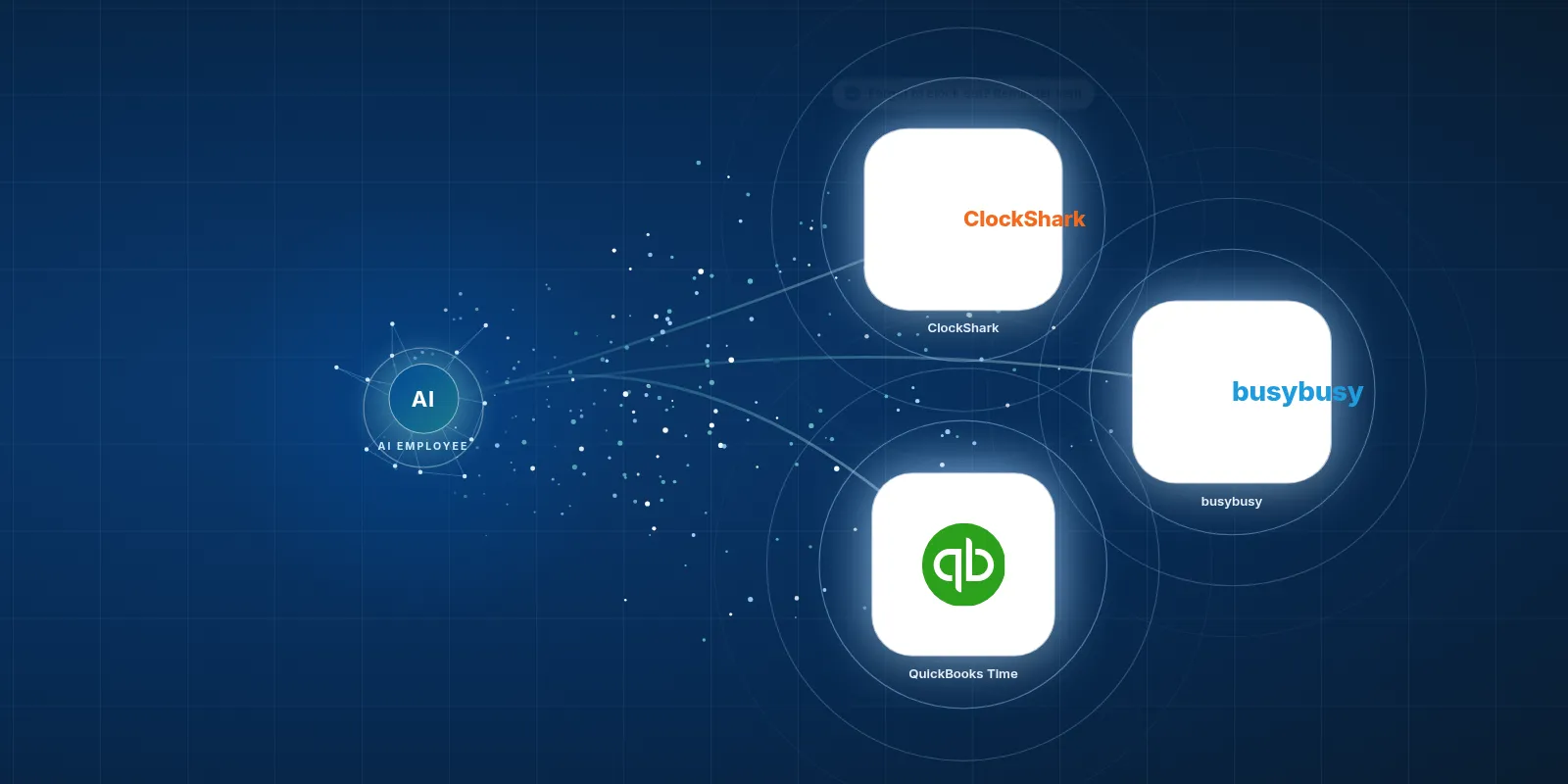
A AI in ClockShark setup can help remind crews about missed punches, put confirmed hours against the right job and send approved time records to payroll. We would set it up for your company using the access your tool allows, and we have not built this connection for clients yet.
- ClockShark, busybusy and QuickBooks Time help crews record job hours on their phones.
- The office still needs to sort missed punches and wrong job codes.
- An AI Employee can help with that follow up while your team stays in charge.
- The work it can do depends on the app access and rules we set up with you.
What do these time tracking apps do?
ClockShark, busybusy and QuickBooks Time let your crew clock in and out on a phone at the job site. GPS shows where they were when time was recorded. Hours get tagged to a job, so the office has a record to use for payroll and job costing.
That beats trying to read a paper timecard with coffee on it. Your office can send clean hours along instead of typing them out again. But someone still has to check the record when a worker picks the wrong job or leaves the clock running after heading home.
- ClockShark gives field crews a way to record time against the jobs they work on.
- busybusy also tracks crew time and job hours, with a free plan listed on its site.
- QuickBooks Time handles crew time tracking and is an easy place to start if your shop already uses QuickBooks.
Who are these tools a good fit for?
These tools suit contractors with crews who work away from the office. Think of a plumbing crew moving between service calls or a framing crew staying on the same build. You need hours for pay, but you also need to know which job used the labour.
The right fit depends on how your crew works and what your office already uses. A phone app has to make sense to the person opening it with dusty hands. We would also check how hours reach your books, because a good field tool should help the office finish its work.
The hours need to make sense to the crew and to the person running payroll.
How widely are these apps used?
The ClockShark homepage says more than 9,500 companies and over 100,000 field service and construction workers use it, as of 2026. The busybusy homepage shows over 383 million time card hours tracked, as of 2026. Those are different measures, so they do not tell us which app has the most customers.
TechCrunch reported that TSheets, now QuickBooks Time, had over 35,000 customers when Intuit bought it in December 2017. That is a past count. The Capterra comparison lists about 7,000 QuickBooks Time reviews as of 2026, far more than ClockShark or busybusy, but reviews are not a count of paying customers.
- Company and worker counts come from the ClockShark homepage.
- Tracked hours come from the busybusy homepage.
- The past customer count comes from TechCrunch.
- Review counts come from the Capterra comparison.

Your team keeps the tools it knows. The AI Employee takes the busywork around them.
What still makes payroll slow or annoying?
A time tracking app gives you a place to keep the hours. It cannot make a busy worker remember every punch. Someone finishes unloading, gets pulled into a site chat and starts work without opening the app. Come payroll day, your office is chasing the start time and checking which job should carry it.
There are app complaints too, though they will not affect every crew. ClockShark reviewers mention battery drain from GPS in SelectHub reviews and glitches or sync trouble on Capterra. An AI Employee will not fix a phone battery or repair the app. It can help your office follow up when a record needs attention.
- busybusy reviewers on G2 mention clock in problems and missing features, including requests for piece rate pay.
- QuickBooks Time reviewers on G2 say costs add up alongside their QuickBooks bill and user fees.
- Some QuickBooks Time users report slow or unhelpful support, including this TrustRadius review.
How can an AI Employee help with the hours?
We would build around the work your office repeats. The AI Employee can remind someone about a missed punch and ask for the missing time. A worker could text that they worked at the King Street job until lunch, then moved to the shop. If the times are unclear, it asks before preparing an entry.
 ClockShark
With supported access and your rules in place, it can log confirmed hours to the right job. It can then send the approved weekly timesheet to payroll and job cost details to accounting. Your team keeps control of approvals. We have not built this connection for clients yet, and we are not an official partner of these vendors.
- Try a free construction tool to see another way we help with office busywork.
| Task | Doing it by hand in the tool | The tool plus an AI Employee |
|---|---|---|
| Chase a missed punch | The office finds the gap and calls or texts the worker. | It can flag a possible gap and ask the worker to confirm the missing time. |
| Sort hours on the wrong job | Someone checks the job and edits the record. | It can use a clear text reply to prepare or make an allowed correction. |
| Get payroll ready | The office checks entries and sends the timesheet. | It can gather replies and send the weekly timesheet after approval. |
| Send labour costs to accounting | Someone sorts approved hours by job and passes them along. | It can send job cost details using confirmed hours and the agreed accounting process. |
You know the jobs. The AI Employee can handle the chasing.
How would we set this up for your company?
We start with the time tracking tool you use and check what it lets us read or change. QuickBooks Time has a public developer API, which is a way for software to share records. API Tracker reports that ClockShark API access is a paid add on, so we would confirm that with ClockShark.
The research supplied for this post found no public API docs for busybusy, which uses built in links to accounting tools. That leaves access to check before we promise a workflow. Exports or emails may let us read hours and prepare follow up, but they do not by themselves let us write changes back into the app.
- Walk through your current payroll week. Show us where the office stops to ask a worker or foreperson for missing details.
- Check the available connection. Confirm the plan, any extra access fees and which records the tool lets another system change.
- Agree on job names and approval rules. Decide who confirms a correction and what should happen when a text could mean more than one job.
- Try a small batch of time records. Check that missed punches get flagged and that clear replies lead to the right entries.
- Review the payroll and accounting handoff. Your office checks the output before the setup sends approved records through the agreed route.
Should we add help or change our time tracking tool?
If your crew uses the app and the hours reach your books, keep that in mind before changing tools. The snag may be the calls and texts around missing entries. If the app itself lacks a pay feature you need, extra follow up will not solve that problem.
We would look at a real payroll week with you and map the work that needs doing. You can browse our free tools for construction companies for other office tasks. To talk through a time tracking setup for your crew, See payroll prep handled.
Keep your current process
Choose this when Your records are clear and corrections are rare.
You may not need another layer. Keep checking job hours before they go to payroll.
Add an AI Employee
Choose this when The app works, but your office keeps chasing missing time.
We can scope help with reminders and confirmed entries, then check the route to payroll and accounting.
Review the tool first
Choose this when A missing feature or repeated app problem blocks the work.
Check the core fit with the vendor before paying to connect more software around it.
Questions owners ask
Is AI in ClockShark a built in ClockShark feature?
In this post, AI in ClockShark means a proposed setup that connects an AI Employee to your time tracking process. We are not describing a built in feature sold by ClockShark. VeebarTech is not an official partner, and we have not built this connection for clients yet.
Can a worker send their hours by text?
That is a workflow we can set up if the available connection supports it. The text needs enough detail to identify the worker and the job, with clear start and finish times. The AI Employee can ask about missing details. Writing the entry into the app depends on the access it allows.
Can this work with busybusy without a public API?
It may be possible to help through exports or the emails the tool sends, set up for your company. We would check what those records contain and how often they arrive. Reading an export can support reminders or a draft timesheet, but it does not give permission or access to edit busybusy.
Will the AI Employee approve payroll for us?
We would keep your chosen person in charge of approval. The AI Employee can help gather missing details and prepare the weekly timesheet, then send it through the agreed process once approved. If hours conflict or a job is unclear, the setup should bring that question to your team.
Do we need to move away from QuickBooks Time?
You do not need to change tools just to explore this idea. QuickBooks Time is a sensible starting point for a shop already using QuickBooks. We would first look at the busywork around your current process and check the available connection, then decide with you what help would be useful.